Multi-Camera Live Streaming: How to Put Multiple IP Cameras on One Web Page
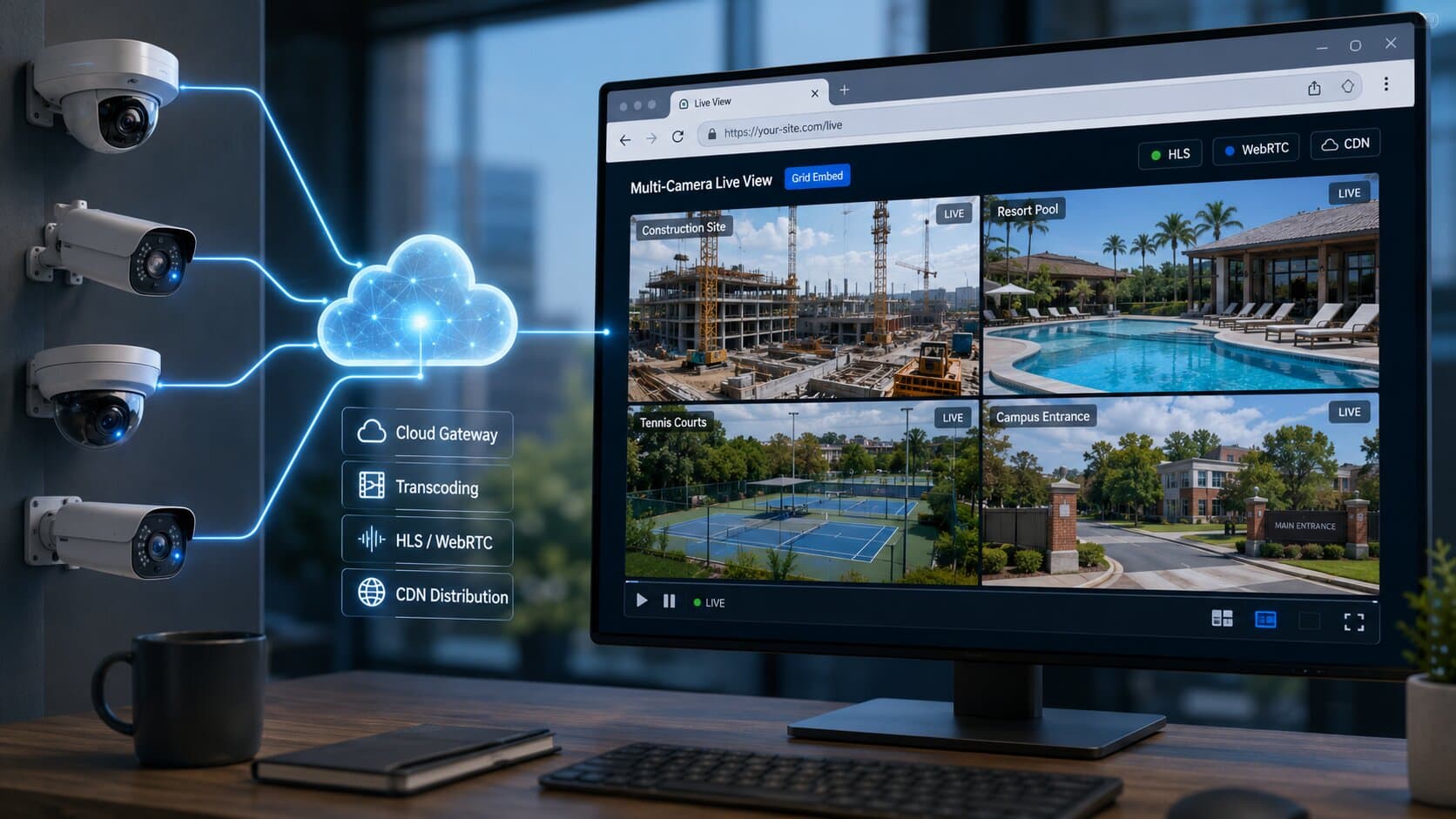
To stream multiple IP cameras on one web page, you need three things:
- each camera connected to the cloud via an outbound Cloud Gateway,
- a multi-view grid layout (2×2, 3×3, 4×4),
- synchronized HLS segments so tiles don’t drift.
Realtime handles all three and generates a single embed for the entire grid - no port forwarding, no NVR limitations, no custom backend.
Why NVR/DVR web interfaces don’t scale beyond your LAN
Most NVR/DVR systems were designed for local monitoring, not public web streaming.
Typical limitations:
- Works only inside LAN or via port forwarding
- Handles ~5–10 concurrent viewers before performance drops
- No CDN → all traffic hits your network
- Poor mobile/browser compatibility
System | Viewer capacity | Access | Scaling |
NVR/DVR | ~5–10 users | LAN / VPN | Limited |
Cloud + CDN | Unlimited | Global | Horizontal |
If you try to embed multiple camera streams directly from an NVR, your router becomes the bottleneck.
Architecture of a multi-camera web stream
Here’s how a modern multi-camera stream works:
Step-by-step flow:
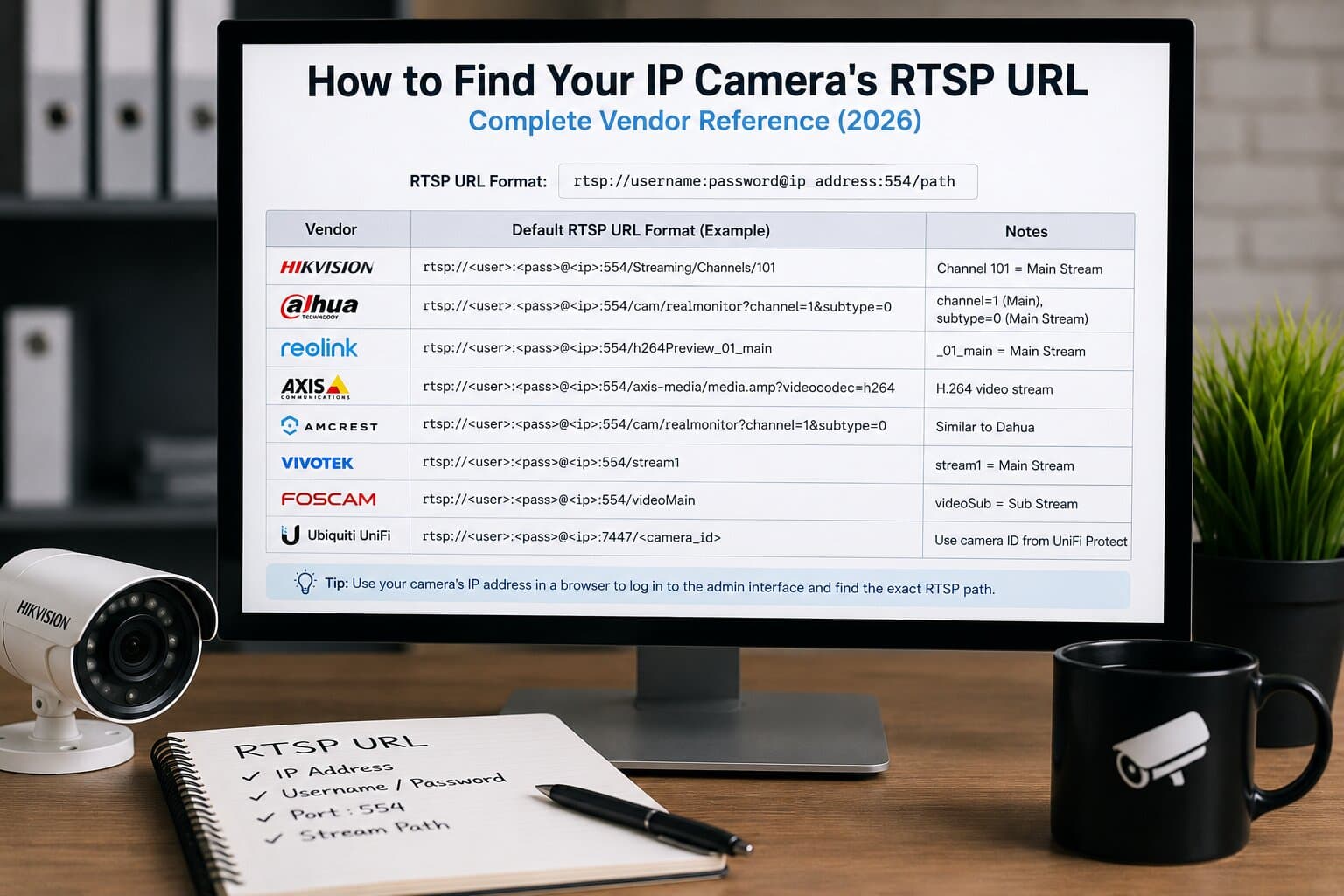
- Each IP Camera (Hikvision, Dahua, Reolink, Axis, etc.) sends RTSP.
- Each camera connects outbound via Cloud Gateway (no port forwarding).
- Streams are transcoded to:
- HLS (6–30s latency)
- WebRTC (<1s latency)
- Streams are distributed via CDN.
- A Grid Layout player combines them into a single embed.
In short:
Cameras → Cloud Gateway (per camera) → Transcoder → CDN → Grid Embed
Each camera is independent, which means no single point of failure.
Layout options
Different use cases require different layouts.
Layout | Description | Use case |
1-up | Single camera | Focus view |
2×2 grid | 4 cameras | Small setups |
3×3 grid | 9 cameras | Medium sites |
4×4 grid | 16 cameras | Large deployments |
Picture-in-Picture | Main + small overlays | PTZ + overview |
Realtime generates these as a single iframe, not multiple players.
Bandwidth math
Bandwidth planning matters more than people expect.
Example:
- 4× 1080p @ 30 fps (H.264) ≈ 12 Mbps upload
- 4× 1080p @ 30 fps (H.265) ≈ 6 Mbps upload
Why the difference? H.265 compresses ~50% more efficiently than H.264 at similar quality.
Key takeaway:
- Always use sub-streams or optimized bitrate for web viewing.
- Upload bandwidth is the real constraint-not download.
Stream synchronization
Without synchronization, multi-camera grids look broken.
Problem:
- Each stream buffers independently.
- Tiles drift out of sync over time.
Solution:
- NTP (Network Time Protocol) aligns camera clocks (~10 ms accuracy).
- HLS segments (typically 2-6 seconds) are aligned across streams.
- Player enforces synchronized playback.
Realtime handles this automatically, so your grid stays visually consistent.
Use cases deep-dive
Construction site
- 4-8 fixed IP cameras
- Grid view for full site visibility
- Timelapse for progress tracking
- Ideal for stakeholders and clients
Resort / hotel
- Lobby + pool + beach + reception
- Public-facing live page
- Branded player with logo/colors
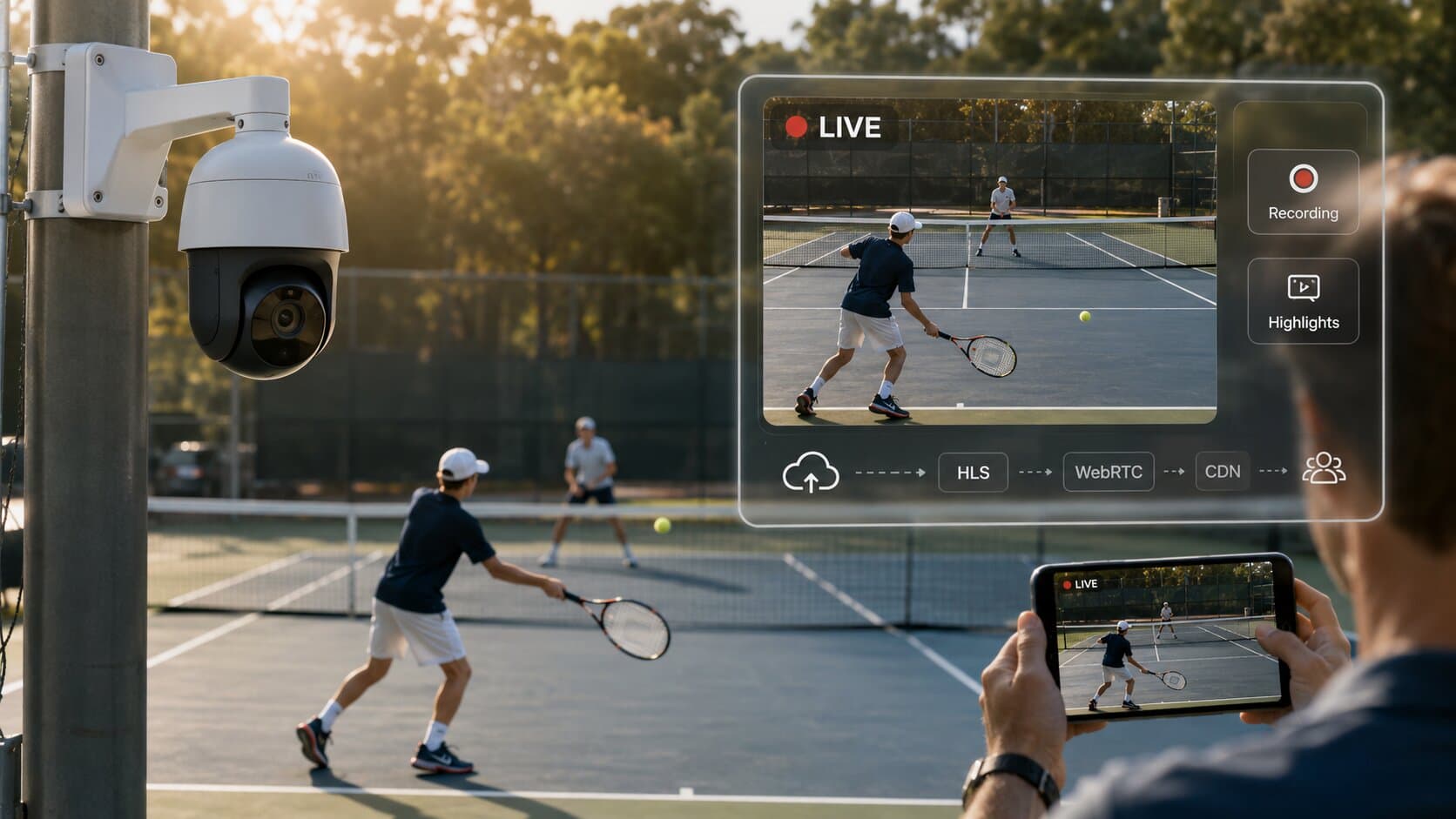
Tennis club
- 4–6 courts streamed simultaneously
- Each court recorded separately
- Viewer clips for highlights and recruitment
Campus / school
- Entrances, gyms, outdoor fields
- Internal dashboards or public feeds
- Controlled access per viewer group
Broadcasting the whole grid as one video
Sometimes you want the entire grid as a single output. This is where a composite stream comes in:
- Grid is rendered into one video feed.
- Sent via RTMP to platforms like YouTube or Facebook.
This is different from multi-camera viewing - it’s one combined broadcast.
Step-by-step: 4 cameras to one page in 10 minutes (Realtime)
- Add 4 cameras (RTSP URLs) to your account.
- Each camera connects via Cloud Gateway.
- Select grid layout (2×2).
- Realtime generates a single embed:
<iframe src="https://player.realtime.co/grid/abc123" width="100%" height="600" allow="autoplay; fullscreen" allowfullscreen></iframe>
- Paste into your website (WordPress, Webflow, Wix, HTML)
Done.
FAQ
How many cameras can I stream at once?
Practically unlimited with CDN; typical grids are 4-16 cameras.
Do I need an NVR to stream multiple cameras?
No, Cloud Gateway replaces NVR for web streaming use cases.
Can viewers switch between camera angles?
Yes, via grid view, full-screen toggle, or dynamic layouts.
How do I synchronize multi-camera audio?
Use NTP-synced sources and a single primary audio stream per grid.
Final step
Connect your cameras and build your grid in 10 minutes - free trial.