How to Live Stream Youth Sports & Tennis Courts from an IP/PTZ Camera (2026 Guide)
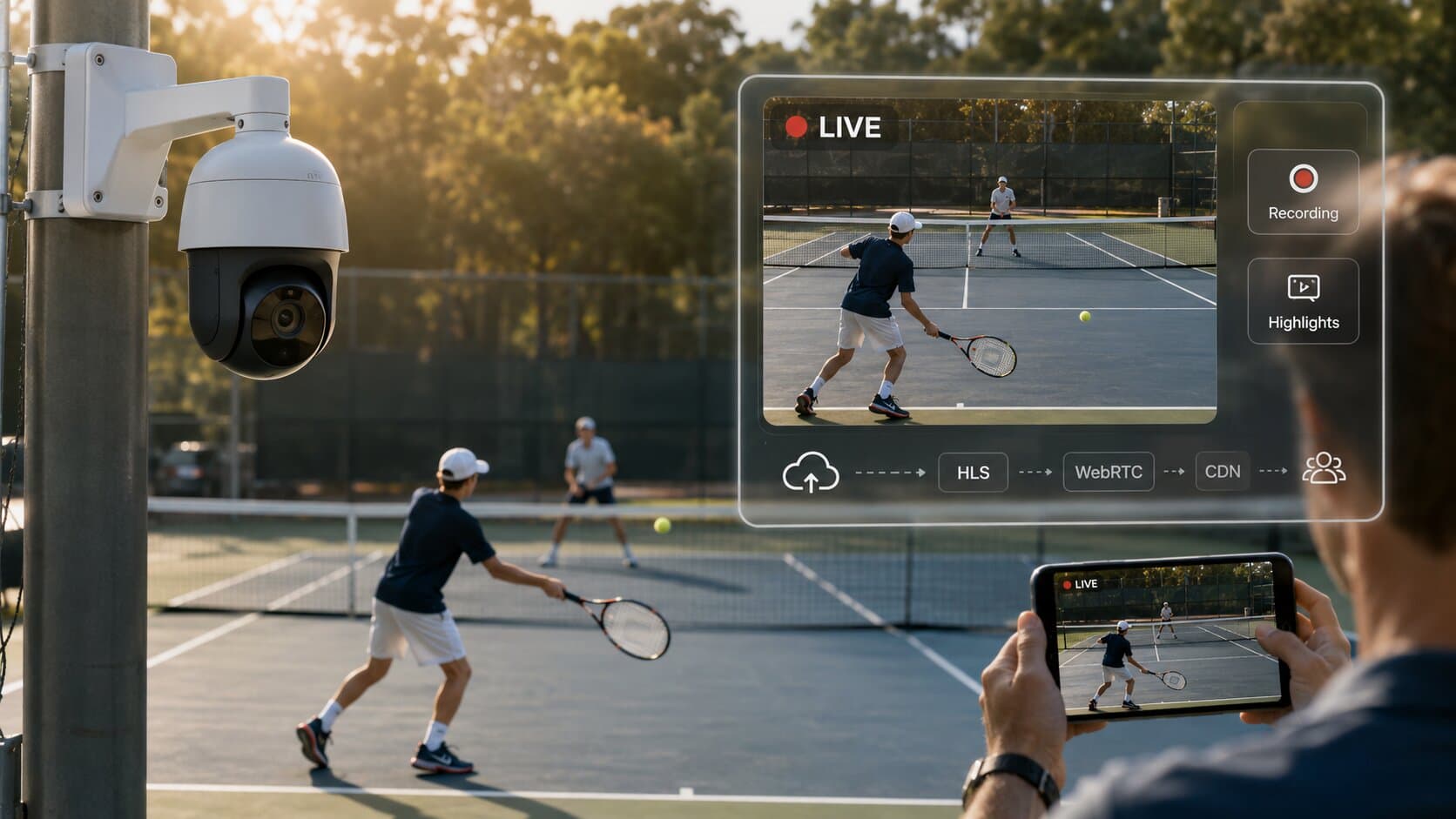
The simplest setup to live stream youth sports or a tennis court is a single PoE IP camera mounted 14-16 ft above the baseline, connected to a cloud platform like Realtime via an outbound Cloud Gateway. Parents get a branded viewing link, clubs get automatic recording and highlight clips, and everything runs without OBS, port forwarding, or dedicated IT staff.
Why streaming youth sports is different
Streaming youth sports isn’t the same as streaming events or churches (see related: Camera for Live Streaming Church). The audience and expectations are different.
- Viewers: parents, grandparents, and college scouts
- Content value: individual player performance, not just the game
- Storage: full matches + clips for later review
- Monetization: families are willing to pay for access
- Legal: minors require parental consent and opt-out mechanisms
This is less about “broadcasting” and more about capturing, preserving, and sharing player moments.
Camera choice: fixed vs PTZ vs AI auto-tracking
Fixed wide-angle camera
- Cost: $200-500
- Best for: tennis courts, small fields
- Pros: simple, reliable, no operator needed
- Cons: no zoom or tracking
For most single tennis courts, a fixed camera is enough.
PTZ camera (pan-tilt-zoom)
- Cost: $500-1500
- Rotation: ~340° pan / 90° tilt
- Zoom: 20-40× optical
Pros:
- Follow action manually
- Zoom into players
Cons:
- Requires operator or presets
AI auto-tracking systems
Examples: Pixellot, Veo
- Cost: $5,000-15,000/year (subscription models)
- Hardware + software bundled
Comparison:
- High automation, but expensive
- Closed ecosystem
Alternative:
- Standard IP camera + cloud-based tracking/processing
- Much lower cost, more flexible
Camera placement per sport
Placement is critical for usable footage.
Sport | Mount position | Height | Notes |
Tennis | Behind baseline | 14-16 ft | Covers full court |
Basketball | Midcourt | 12-20 ft | Wide FOV needed |
Soccer | Halfway line | 20-25 ft | Prefer elevated pole/stand |
Baseball | Behind home plate | 15-25 ft | Protect lens from impact |
Football | Press box / midfield | 25-40 ft | Wide field coverage |
Incorrect placement is the #1 reason poor streams happen.
Connectivity essentials
You don’t need complex infrastructure - but you do need the basics right.
- PoE (Power over Ethernet) → single Cat6 cable powers camera
- Max cable length: 100 meters
- Outdoor rating: IP66 (dustproof + water jets)
- Backup: LTE/5G (typical 20-50 Mbps)
Bandwidth per court:
- 1080p @ 30 fps (H.264) → ~3-4 Mbps
- 1080p @ 30 fps (H.265) → ~1.5-2 Mbps
Multiply by number of courts to size your connection.
Streaming architecture
Here’s how a modern setup works:
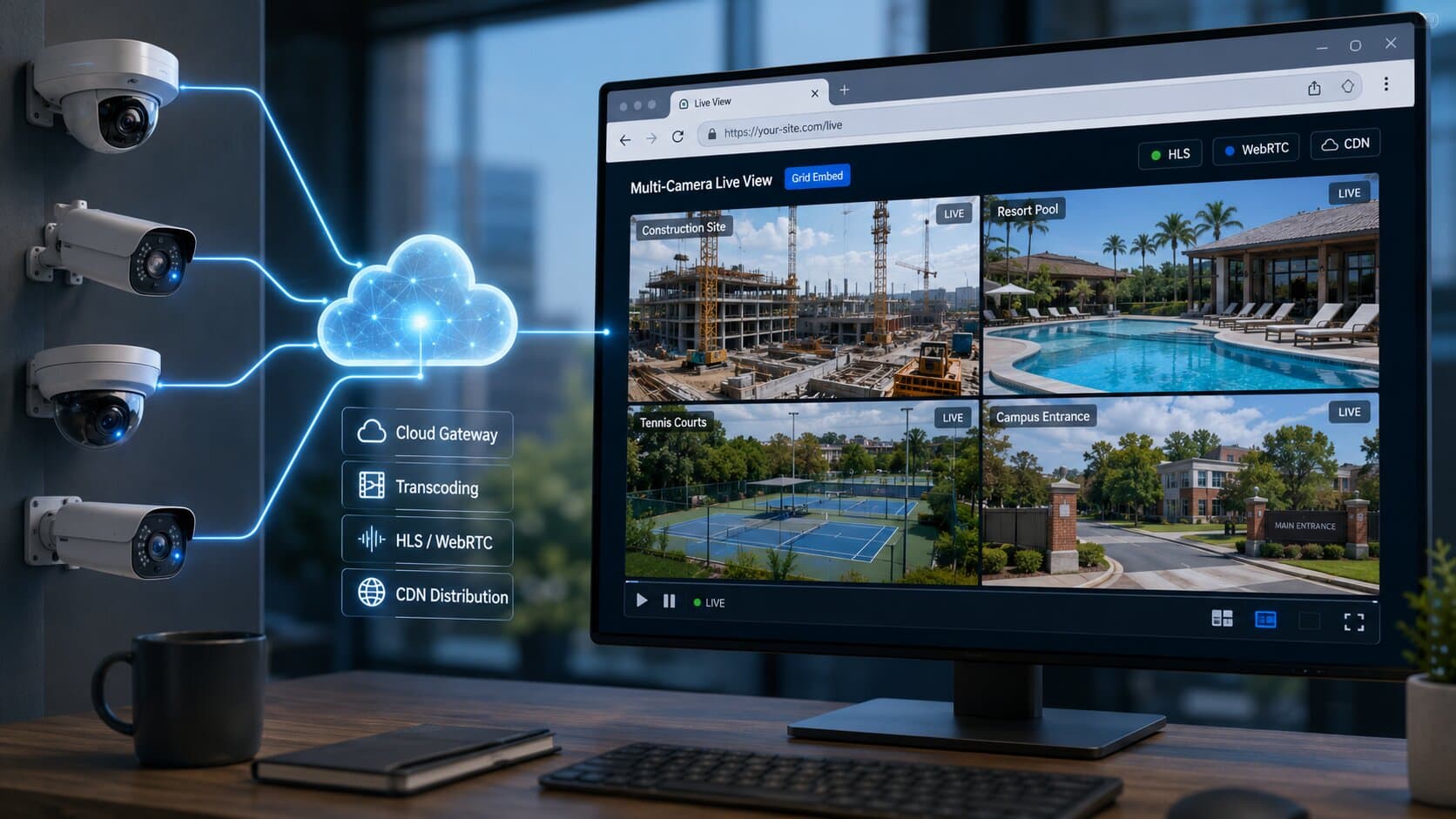
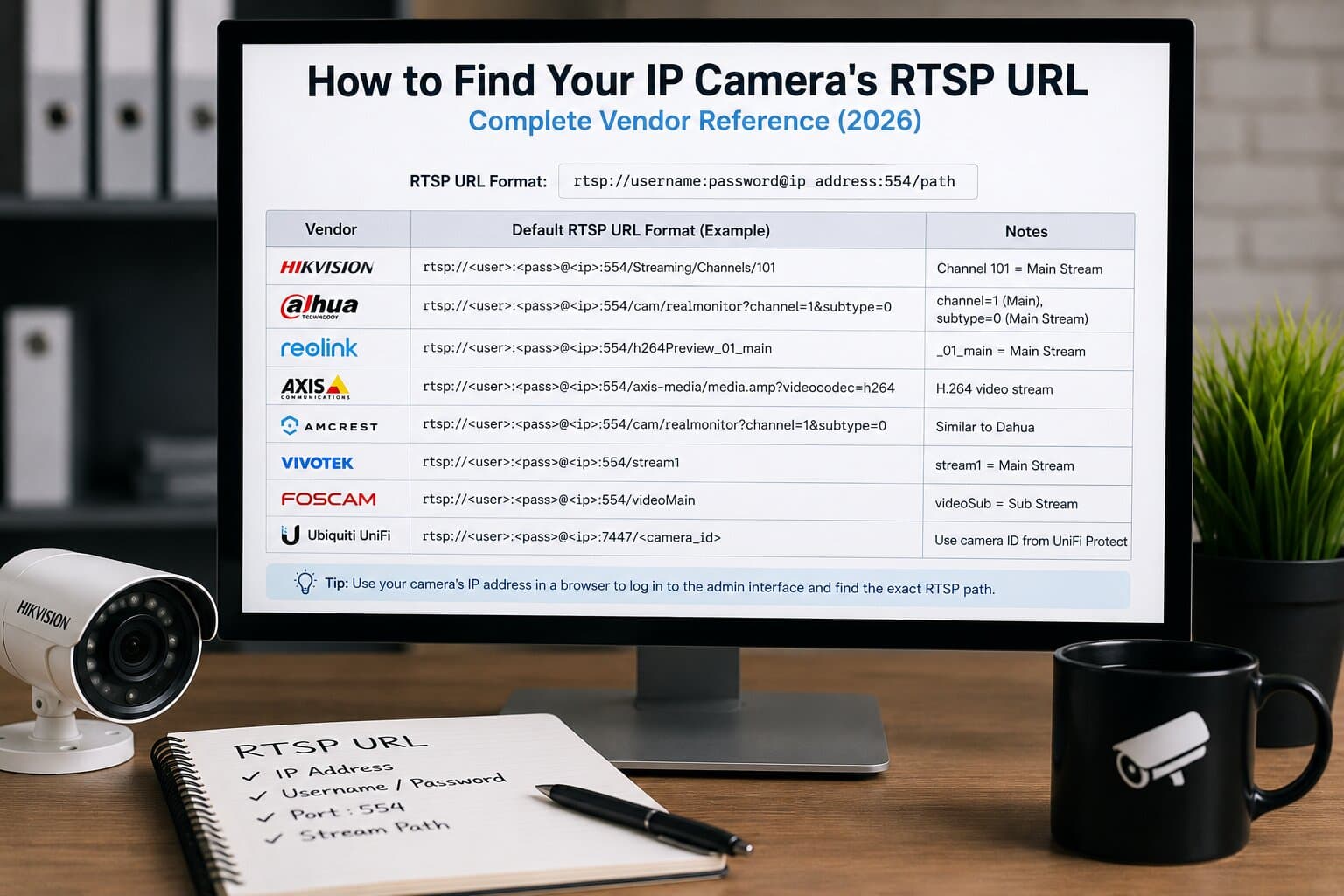
- Camera captures RTSP stream
- Cloud Gateway connects outbound (no port forwarding)
- Realtime ingests and transcodes:
- HLS (6-30s latency)
- WebRTC (<1s latency)
- Stream delivered via CDN
- Embedded as branded player on club website
Flow: Camera → Cloud Gateway → Realtime → CDN → Website player
This removes the need for:
- local servers
- VPN
- router configuration
Recording, clipping and recruitment tapes
This is where youth sports streaming becomes valuable.
- Every match is recorded automatically
- Parents can create viewer clips (highlights)
- Players build recruitment tapes for college scouts
Typical workflow:
- Parent watches match
- Clicks “clip moment”
- Downloads or shares highlight
No video editing software needed.
Monetization models
Streaming can generate revenue, not just cost.
Model | Description | Example pricing |
Free | Open access | $0 |
Pay-per-match | One-time access | $3-10 per game |
Season pass | Unlimited access | $50-150 per season |
In-stream ads | Sponsors/branding | Local business ads |
Many clubs combine:
- free highlights
- paid full matches
Privacy, consent and minors
This is critical.
- Obtain parental consent forms before streaming
- Provide opt-out options
- Consider face blurring where required
Important: This is not legal advice. Always consult a qualified attorney in your jurisdiction regarding youth streaming and privacy laws.
Example: 6-court tennis club setup
Typical deployment:
- 6 fixed IP cameras (one per court)
- Cost:
- Cameras: ~$300 each → ~$1,800 total
- Bandwidth:
- ~2 Mbps per court (H.265) → ~12 Mbps total
- Setup time:
- <10 minutes per camera
What the club gets:
- 6 live streams on website
- Per-court recordings
- Highlight clips for players
- Monetization via season passes
Compared to all-in-one systems:
- Fraction of cost
- No vendor lock-in
FAQ
What’s the best camera to live stream youth sports?
A fixed wide-angle IP camera is best for tennis; PTZ is better for larger fields.
Can I automatically track players?
Yes, either via PTZ presets or AI tracking systems, though cloud-based approaches are more cost-effective.
How much bandwidth do I need per court?
About 3-4 Mbps (H.264) or 1.5-2 Mbps (H.265) per 1080p stream.
Do I need parents’ consent to live stream?
Yes, parental consent is typically required when streaming minors.
Can parents download clips of their kid?
Yes, viewer clip tools allow easy highlight creation and download.
Final step
Start a free trial - connect your first court in 10 minutes. No port forwarding, no OBS laptop.