How to view an RTSP stream in a browser (Chrome, Safari, Edge) without plugins?
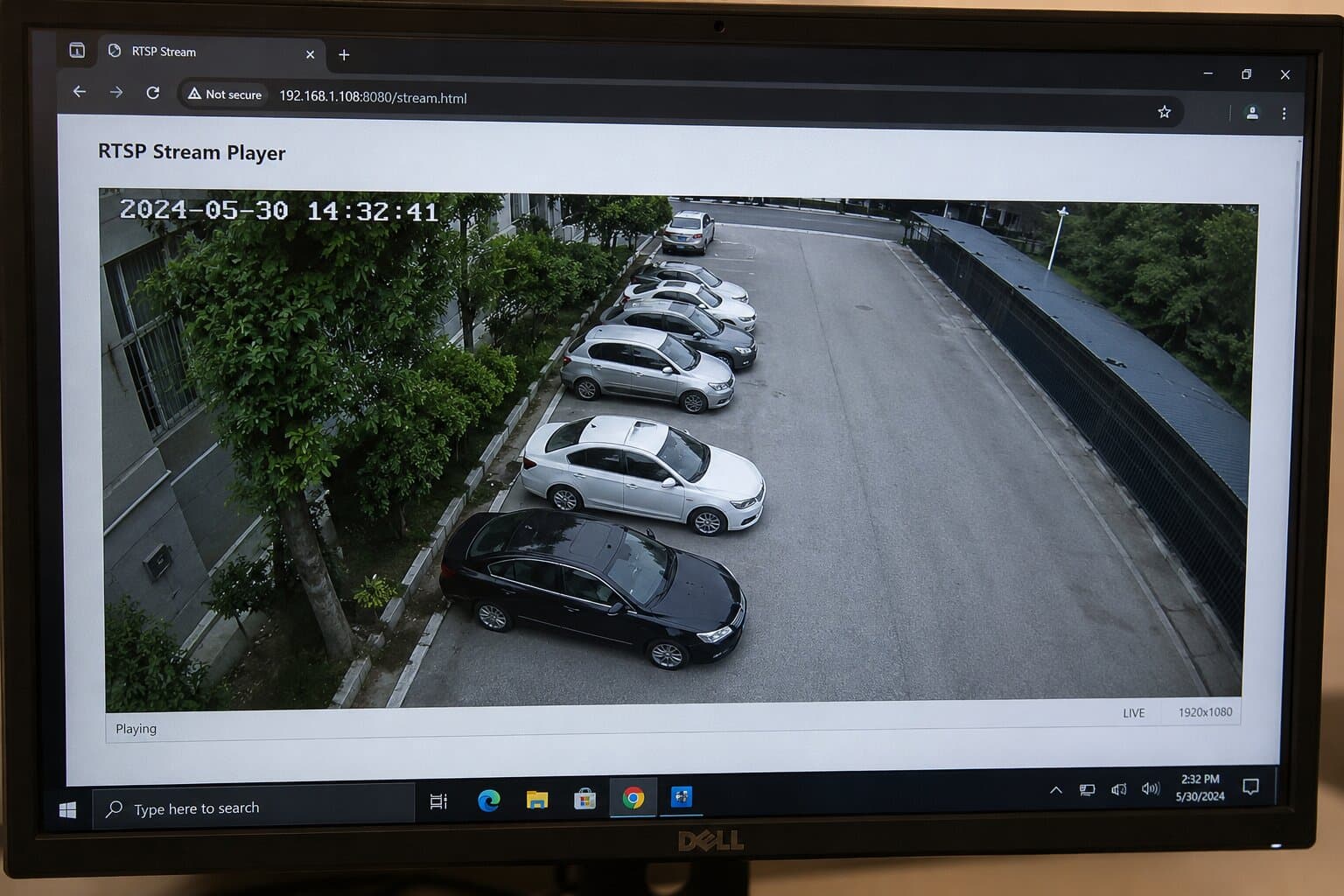
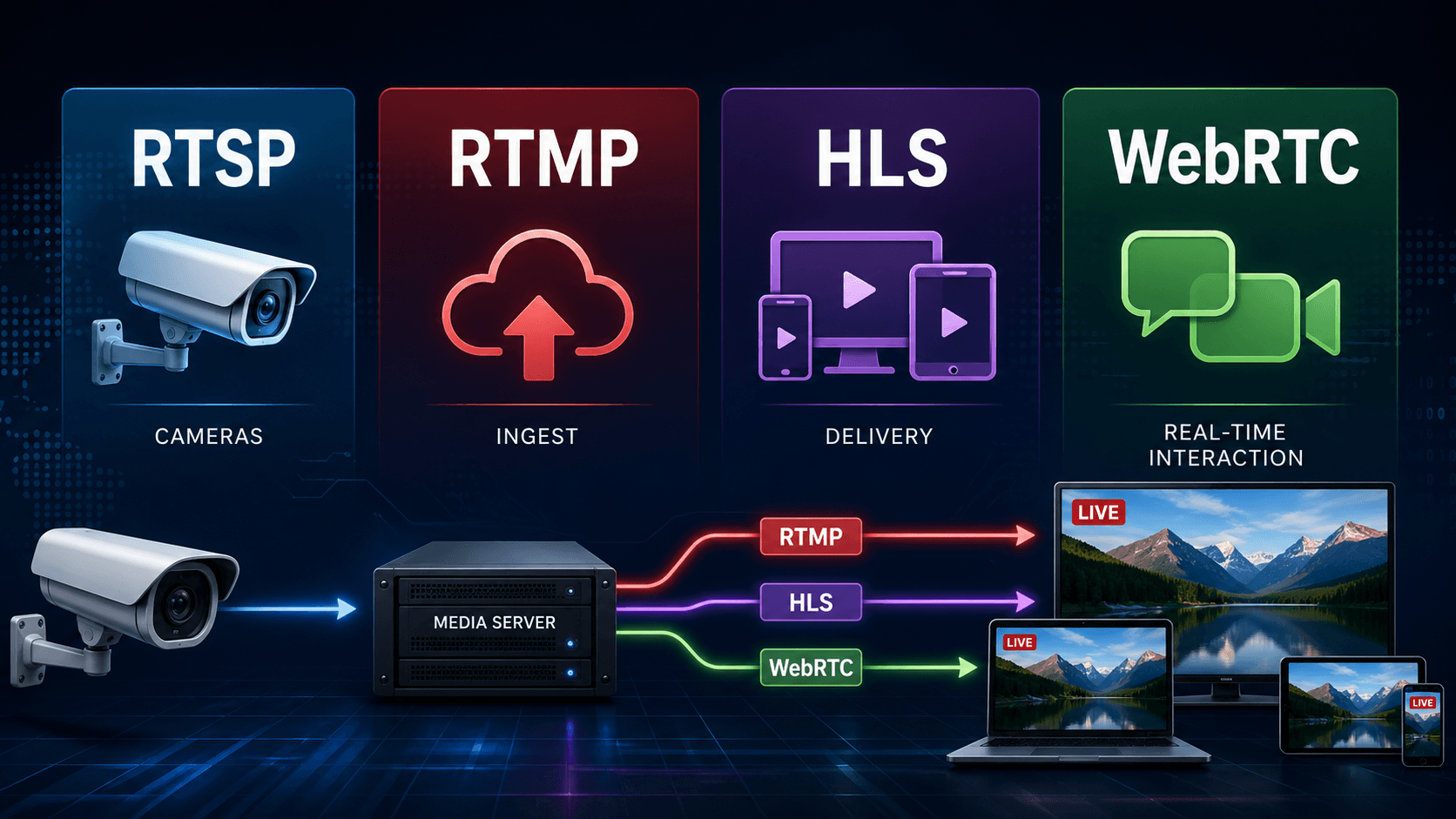
No modern browser can play an RTSP stream natively - Chrome, Safari, Edge, and Firefox have not supported it for over a decade. To display an RTSP video stream in a web page, you must convert it to HLS or WebRTC. The fastest path is a cloud gateway like Realtime, which turns any RTSP URL into an embeddable player in under 5 minutes-no port forwarding, static IP, or media server required.
Can you play RTSP directly in Chrome, Safari or Edge?
Short answer: No, not natively.
Browser | RTSP Support | Notes |
Chrome | ❌ No | NPAPI removed in Chrome 45 (2015) |
Safari | ❌ No | Supports HLS natively, not RTSP |
Edge | ❌ No | Chromium-based, same limitations |
Firefox | ❌ No | No RTSP playback without external tools |
If you try to open an rtsp:// URL in Chrome or Edge, nothing will happen. Safari won’t play it either. RTSP simply isn’t part of modern browser playback capabilities.
Why browsers don’t support RTSP?
RTSP (defined in RFC 2326 in 1998) was never designed for the modern web stack.
First, browser plugin support (like NPAPI) was deprecated and removed around 2015 for security reasons. RTSP playback often depended on those plugins.
Second, RTSP is not part of WHATWG HTML media specifications. Browsers are built around HTTP-based delivery, not stateful TCP/UDP session control like RTSP.
Third, RTSP typically runs on port 554, requires persistent connections, and exposes security risks when opened publicly. Modern browsers prioritize sandboxed, stateless, HTTP-based streaming.
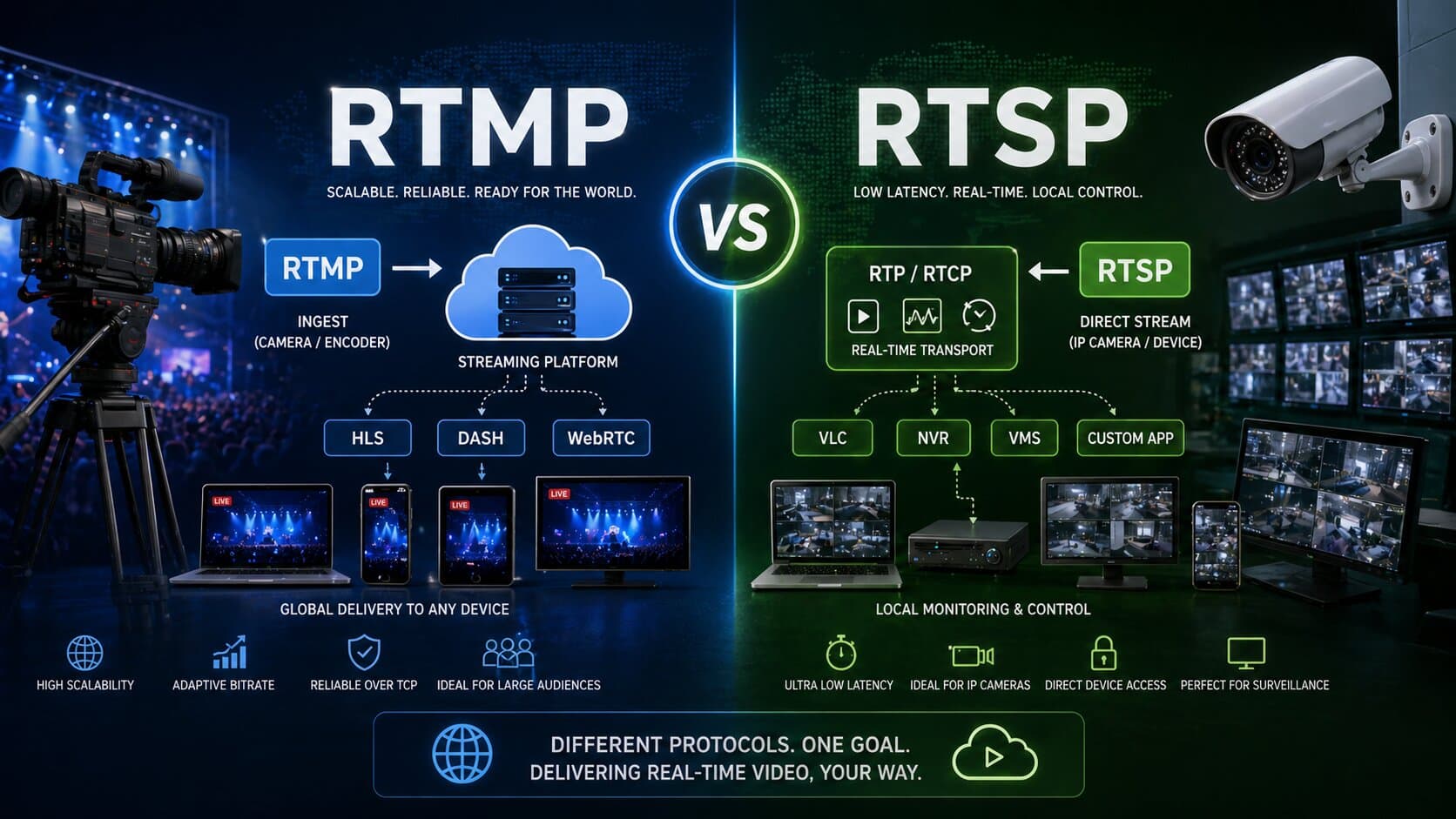
That’s why the industry moved to HLS and WebRTC for browser playback.
3 ways to make RTSP playable in a browser
To play an RTSP stream in a browser, you need to convert it into a format browsers understand.
HLS (HTTP Live Streaming)
HLS is the most widely supported format.
- Latency: 6-30 seconds.
- Works in all browsers (via hls.js in Chrome/Edge, native in Safari).
- Scales well with CDN.
Example HTML:
<video controls autoplay>
<source src="https://example.com/live/stream.m3u8" type="application/x-mpegURL">
</video>
Best for: public streams, large audiences, stable playback.
WebRTC
WebRTC is built for real-time communication.
- Latency: <1 second.
- Native support in Chrome, Safari, Edge.
- Uses UDP (ICE/STUN/TURN).
Best for: live monitoring, PTZ control, interactive apps.
MJPEG fallback
A legacy option.
- Very low quality.
- Extremely high bandwidth.
- No compression efficiency.
Used only when nothing else works.
DIY vs managed: what actually works
You have two choices: build your own pipeline or use a managed platform.
Solution | Setup Time | Maintenance | Latency | Scaling | Notes |
FFmpeg + hls.js | High | High | 10-30s | Limited | DIY, fragile |
Wowza | Medium | High | 3-10s | Good | Requires DevOps |
Ant Media Server | Medium | Medium | <1s-5s | Good | Self-hosted |
Realtime | <5 min | None | <1s / 6-30s | Unlimited | Cloud-native |
Here’s the reality: VLC works locally, but you can’t embed it. FFmpeg works, but you maintain it. Wowza and Ant Media work, but require infrastructure.
Realtime removes all of that.
Step-by-step: from RTSP URL to browser in 5 minutes
Here’s the fastest way to go from RTSP to a working web player.
- Copy your RTSP URL
Example:rtsp://admin:[email protected]:554/Streaming/Channels/101 - Paste it into Realtime
- Cloud Gateway connects outbound from your camera.
No port forwarding, no static IP, no DDNS.
- Realtime automatically transcodes:
- RTSP → HLS (6-30s latency)
- RTSP → WebRTC (<1s latency)
- Copy the embed player (iframe).
<iframe src="https://player.realtime.co/stream/abc123" width="100%" height="480"></iframe>
Done. Your RTSP stream is now a live video stream in a web page.
Public RTSP test streams you can use
If you want to test without your own camera, try these:
rtsp://wowzaec2demo.streamlock.net/vod/mp4:BigBuckBunny_115k.mov
rtsp://184.72.239.149/vod/mp4:BigBuckBunny_175k.mov
rtsp://rtsp.stream/pattern
Use them in VLC or directly in Realtime to validate your setup.
FAQ
Can Chrome view RTSP?
No-Chrome cannot play RTSP streams natively and requires conversion to HLS or WebRTC.
How to run RTSP in browser?
Convert the RTSP stream using FFmpeg or a cloud service like Realtime into HLS or WebRTC, then embed it in HTML.
How to stream IP camera live on a web page?
Take the RTSP feed from the camera, transcode it to HLS or WebRTC, and embed it using a video player or iframe.
How to get RTSP stream URL from camera?
Log into the camera interface, find the IP address, and use the standard format:
rtsp://user:pass@ip:554/path (varies by brand like Hikvision or Dahua).
Final note
If your goal is to view RTSP stream in Chrome, play RTSP stream in browser, or embed a live feed without infrastructure headaches, the answer is always the same:
RTSP is the source.
HLS or WebRTC is the delivery.
Start a free trial of Realtime-paste your RTSP URL and get an embeddable player in under 5 minutes.