Video Streaming Server - Implementation Guide
Learn how to implement a video streaming server using RTSP, RTMP, HLS or WebRTC. Compare platforms, improve performance, and build a secure, scalable setup.
%2520(1).png&w=3840&q=75)
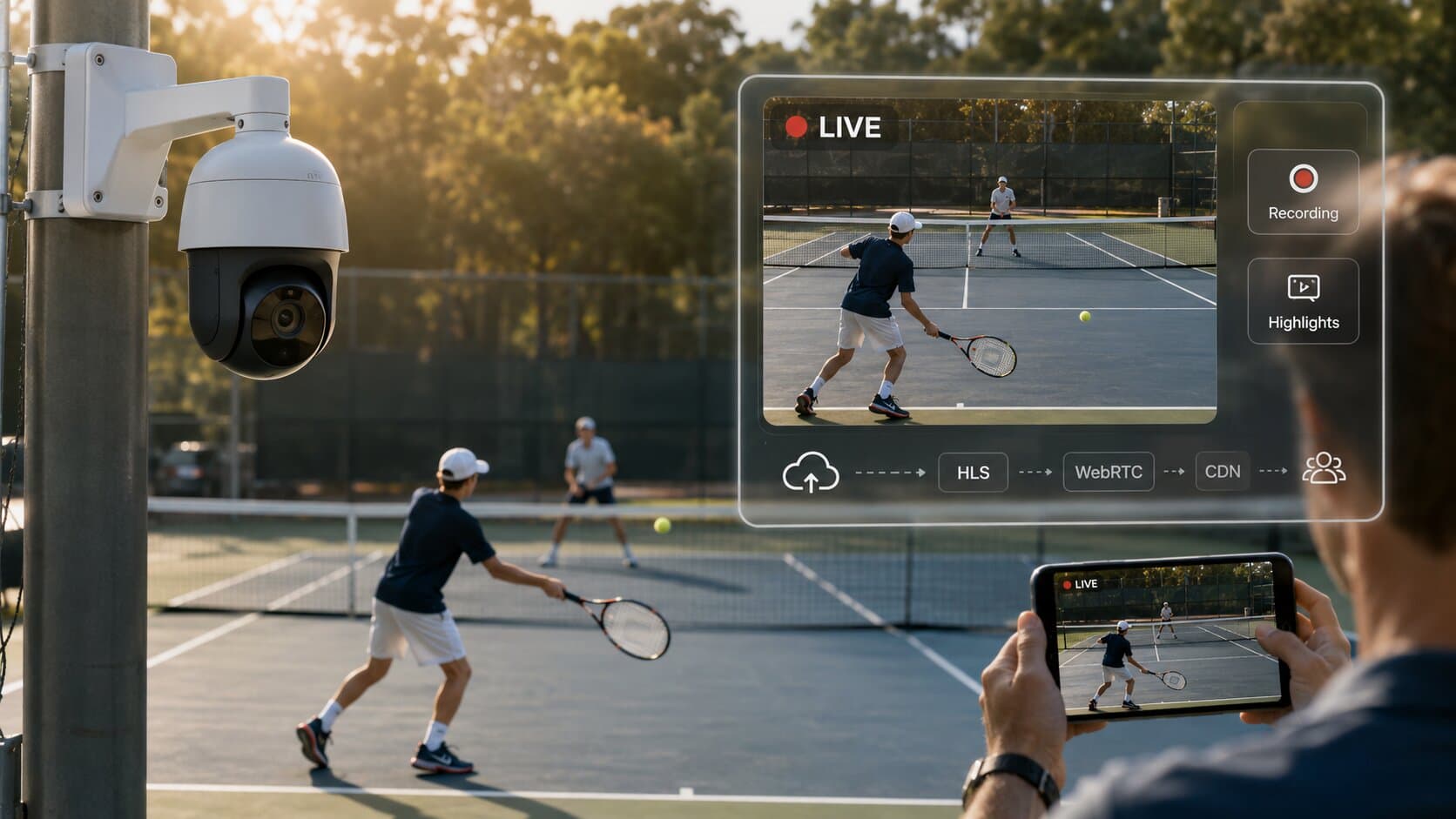
A video streaming server is the backbone of any professional live or on-demand video workflow. It enables reliable delivery of RTSP, RTMP, HLS or WebRTC streams from cameras, encoders, or applications such as OBS to viewers, platforms, or internal systems. In 2025, streaming servers are widely used in surveillance, live events, corporate communications, education, and industrial environments where control, low latency, and scalability matter more than consumer streaming platforms.
What Is a Video Streaming Server and When You Need One?
A video streaming server receives a video stream from a source (IP camera, encoder, OBS, FFmpeg), processes or redistributes it, and delivers it to one or many clients using streaming protocols. You need a dedicated video streaming server when:
- You want full control over your streams (no third-party platforms).
- You work with RTSP cameras or industrial video sources.
- You need low-latency internal distribution.
- You want to restream video to multiple destinations.
- You need predictable performance and security.
Unlike SaaS platforms, a self-hosted streaming server gives you ownership of data, predictable costs, and protocol flexibility.
Choosing the Right Video Streaming Server Platform
The first design decision is selecting the server technology. The choice depends on traffic volume, latency requirements, operational complexity, and scalability.
RTSP-simple-server (MediaMTX)
RTSP-simple-server is a zero-dependency, single-binary solution designed for simplicity and performance. It supports RTSP, RTMP, HLS, WebRTC, and SRT out of the box.
It is ideal for:
- IP camera aggregation.
- Low-latency internal streaming.
- Rapid deployment without complex dependencies.
- Edge and on-prem installations.
Because it requires no external database or runtime, it is extremely reliable and easy to maintain.
NGINX with RTMP Module
NGINX RTMP is a proven solution for high-traffic live streaming. It is commonly deployed on VPS or cloud servers and integrates well with CDNs. It is best suited for:
- Public live streams with many viewers.
- OBS-based broadcasting.
- CDN-backed distribution.
- Horizontal scaling.
This option requires more configuration and operational knowledge but offers excellent performance under load.
Node Media Server
Node Media Server is a lightweight RTMP/HLS server built on Node.js. It is easy to integrate into JavaScript-based ecosystems and custom applications. It works well for:
- Prototypes and MVPs.
- Custom dashboards and applications.
- Smaller streaming workloads.
However, it is less robust than NGINX or RTSP-simple-server for large-scale production use.
Implementing a Video Streaming Server with RTSP-Simple-Server
RTSP-simple-server is often the fastest way to get a production-ready video streaming server running.
After downloading the binary for your operating system, the server can be started with a single command. Configuration is handled through a YAML file, where you define stream paths, authentication, and protocol settings.
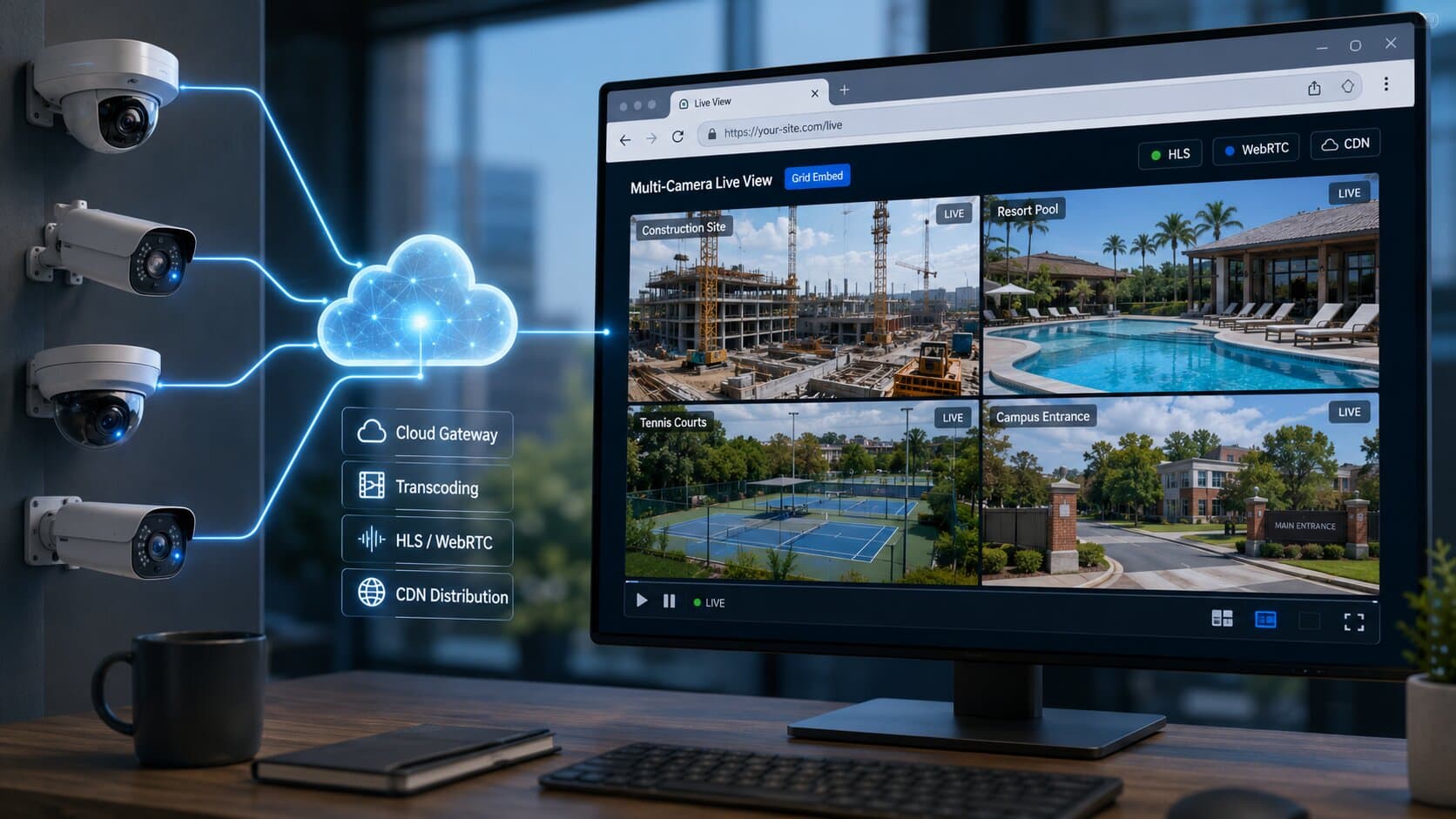
A common use case is restreaming an IP camera or a local video device. Using FFmpeg, you can publish a video source to the server, which then makes it available via RTSP, HLS, or WebRTC. Clients such as VLC, browsers, or downstream systems can subscribe to the stream without impacting the source.
This architecture is especially effective for camera fleets, where multiple consumers need access to the same feed without opening direct camera connections.
Implementing a Video Streaming Server with NGINX RTMP
NGINX RTMP is a strong choice when scalability and public access are priorities.
After installing NGINX and the RTMP module on a VPS or cloud instance, the RTMP block is added to the main configuration. This defines the listening port, application name, and basic streaming behaviour.
OBS or other encoders push streams to the server using an RTMP URL and stream key. From there, NGINX can redistribute the stream internally, convert it to HLS for browser playback, or forward it to a CDN.
This setup is commonly used for:
- Corporate live events.
- Public broadcasts.
- Multi-destination streaming.
While more complex than RTSP-simple-server, NGINX RTMP is highly predictable under load and well supported.
Security Best Practices for a Video Streaming Server
Security is a critical aspect of any video streaming server, especially when handling cameras or internal video feeds.
Authentication should always be enabled for publishing and playback where possible. Publishing streams without credentials exposes the server to abuse and resource exhaustion.
Network exposure should be limited. Streaming ports such as 1935 (RTMP) or 8554 (RTSP) should only be accessible from trusted networks unless public access is required. Firewalls and IP allowlists significantly reduce risk.
Encryption should be used whenever streams traverse untrusted networks. RTMPS and RTSPS protect credentials and video content from interception.
Regular updates are essential. Streaming servers, FFmpeg, and operating systems should be patched to mitigate known vulnerabilities.
Performance Optimisation
Optimising a video streaming server starts with understanding the workload.
For low-latency use cases, RTSP or WebRTC should be preferred over HLS. HLS introduces higher latency but offers excellent browser compatibility and scalability.
Transcoding should be avoided unless necessary. Copying streams instead of re-encoding drastically reduces CPU usage and improves reliability.
On VPS and cloud systems, network throughput is often more important than CPU. Choosing instances with high-bandwidth network interfaces yields better results than compute-heavy configurations.
Monitoring resource usage helps prevent failures. CPU, memory, disk I/O, and network throughput should be tracked to identify bottlenecks early.
Scaling a Video Streaming Server
Scaling strategies depend on audience size and stream topology.
For internal systems and camera distribution, a single well-sized server is often sufficient. RTSP-simple-server can handle many concurrent clients efficiently.
For public or high-traffic streaming, horizontal scaling becomes necessary. NGINX RTMP servers can be replicated behind a load balancer, with streams pushed to multiple nodes or distributed via CDN.
Another common approach is hierarchical streaming, where edge servers receive streams from a central origin and redistribute them locally. This reduces bandwidth usage and improves resilience.
Cloud environments allow dynamic scaling, but predictable workloads often benefit from fixed, well-tuned infrastructure.
Common Use Cases
A video streaming server is widely used in:
- IP camera aggregation and redistribution.
- Live event broadcasting.
- Corporate and internal video platforms.
- Industrial monitoring and OT environments.
- Education and hybrid learning systems.
In each case, the ability to control protocols, latency, security, and scaling makes a self-hosted streaming server a strategic component rather than just an infrastructure detail.
Conclusion
A well-designed video streaming server enables reliable, secure, and scalable video delivery across a wide range of professional use cases. Whether you choose RTSP-simple-server for simplicity and low latency, or NGINX RTMP for large-scale public streaming, the key lies in matching the technology to your operational needs.
By carefully selecting the platform, configuring security and performance settings, and planning for growth, you can build a streaming infrastructure that remains stable, cost-effective, and future-proof.