RTSP Viewer - Software Guide and Setup
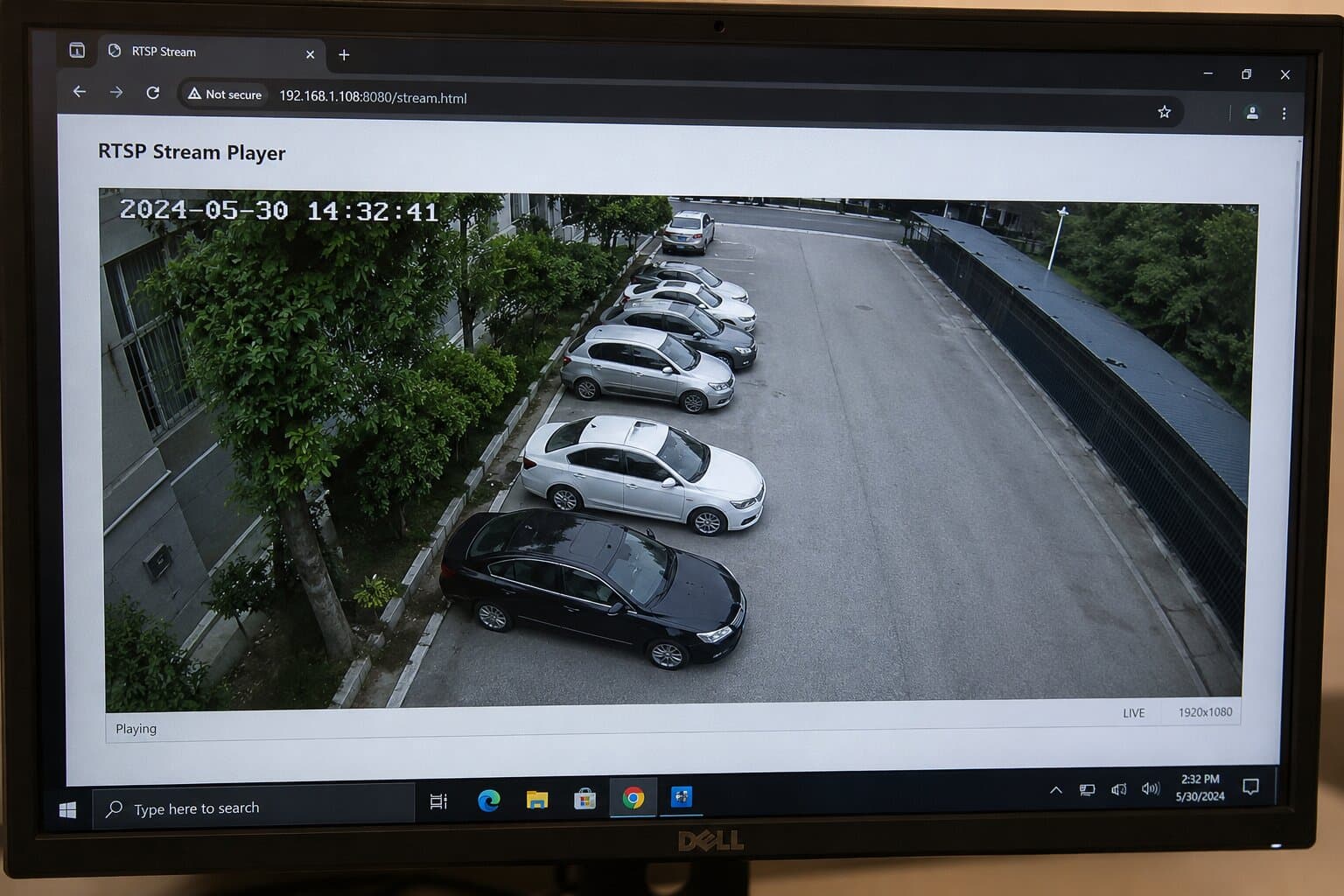
An RTSP viewer is a software tool designed to display real-time video streams delivered via the Real Time Streaming Protocol (RTSP).
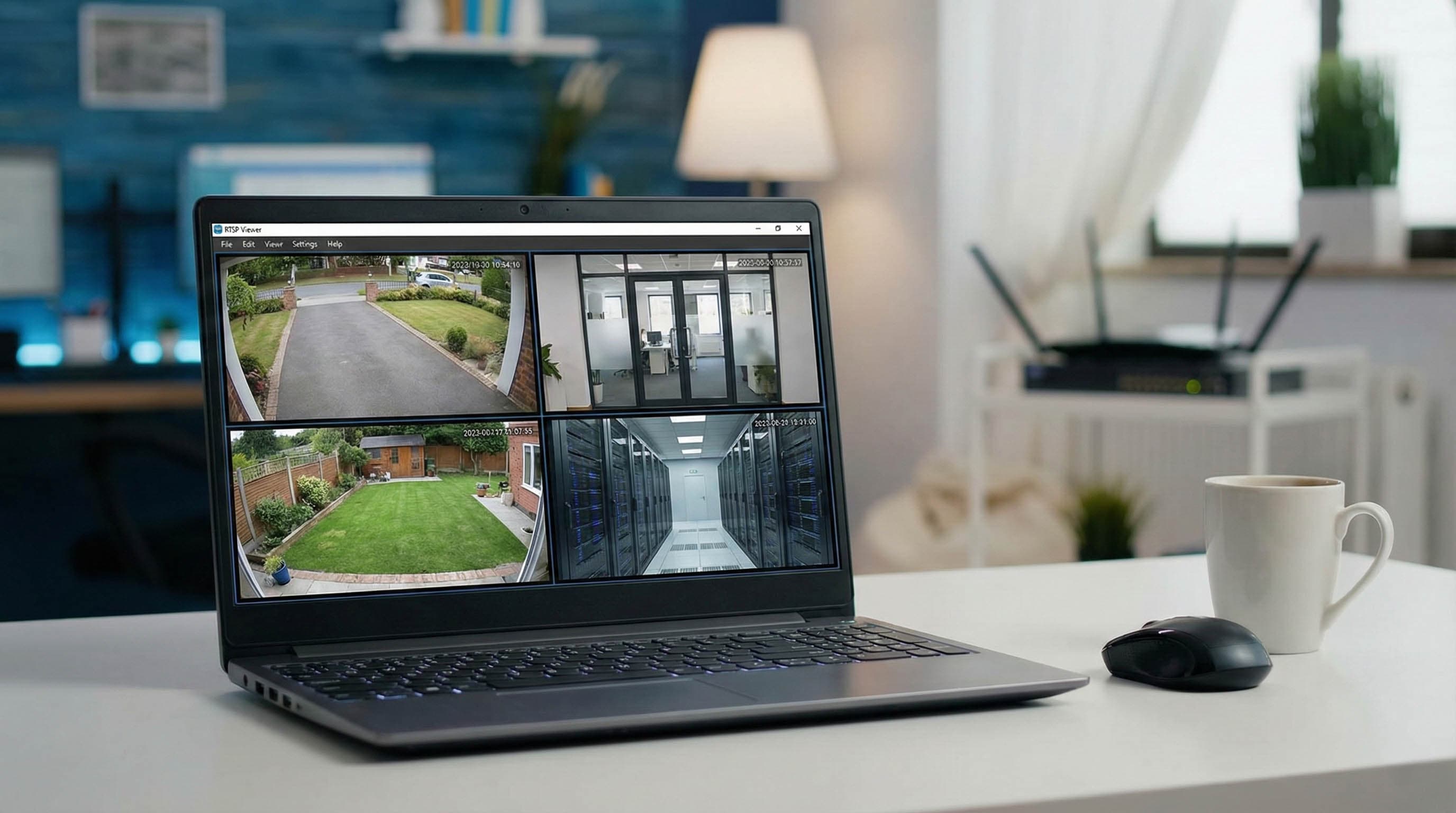
It is most commonly used with IP cameras, CCTV systems, and other online video sources. Because RTSP is not natively supported in web browsers, having the right viewer software is essential for monitoring security feeds, testing camera setups, or integrating RTSP video into professional workflows.
Popular RTSP viewer applications
1. Rtsp Player by Gardinal
- Free viewer available for Linux, Windows, and MacOS.
- Supports multiple codecs: H.264, H.265, MPEG-4, MJPEG.
- Designed for CCTV and IP camera streams.
- Offers a Pro version with enhanced monitoring features.
- Ideal for users who need a straightforward, lightweight RTSP viewer without complicated setup.
2. RTSP Viewer (GitHub project by brunolemos06)
- Open-source Python-based solution.
- Supports multiple simultaneous RTSP streams.
- Configuration via a simple .env file with camera names and RTSP URLs.
- Requires installation of Python and dependencies.
- A good choice for advanced users or developers who want flexibility in multi-camera monitoring.
3. VLC Media Player (general-purpose viewer)
- Free and widely available for all platforms.
- Supports RTSP URLs directly:
- Open VLC → Media → Open Network Stream → paste the RTSP URL.
- Compatible with virtually all video codecs.
- Popular as a quick, universal solution for testing RTSP streams.
How to use an RTSP viewer
Using an RTSP viewer is straightforward once you have the correct stream URL from your camera or media source:
- Get the RTSP URL typically in the format:
rtsp://username:password@ip-address:554/stream
Found in your camera’s manual, manufacturer’s website, or VMS software.
- Open your RTSP viewer software
Options include VLC Media Player, Rtsp Player by Gardinal, or custom multi-stream tools.
- Enter the RTSP URL
In VLC: Media → Open Network Stream → Paste the URL → Play.
In dedicated viewers, input the URL and camera name (if supported).
- Start the live stream
The viewer will display real-time video from the camera. For multiple cameras, repeat the process or load them into a dashboard if your software supports it.
- Troubleshoot if needed
- Double-check the URL, user credentials, and port (default is 554).
- Ensure your firewall allows RTSP traffic.
- Test the stream locally before configuring remote access.
Viewing RTSP streams in a web browser
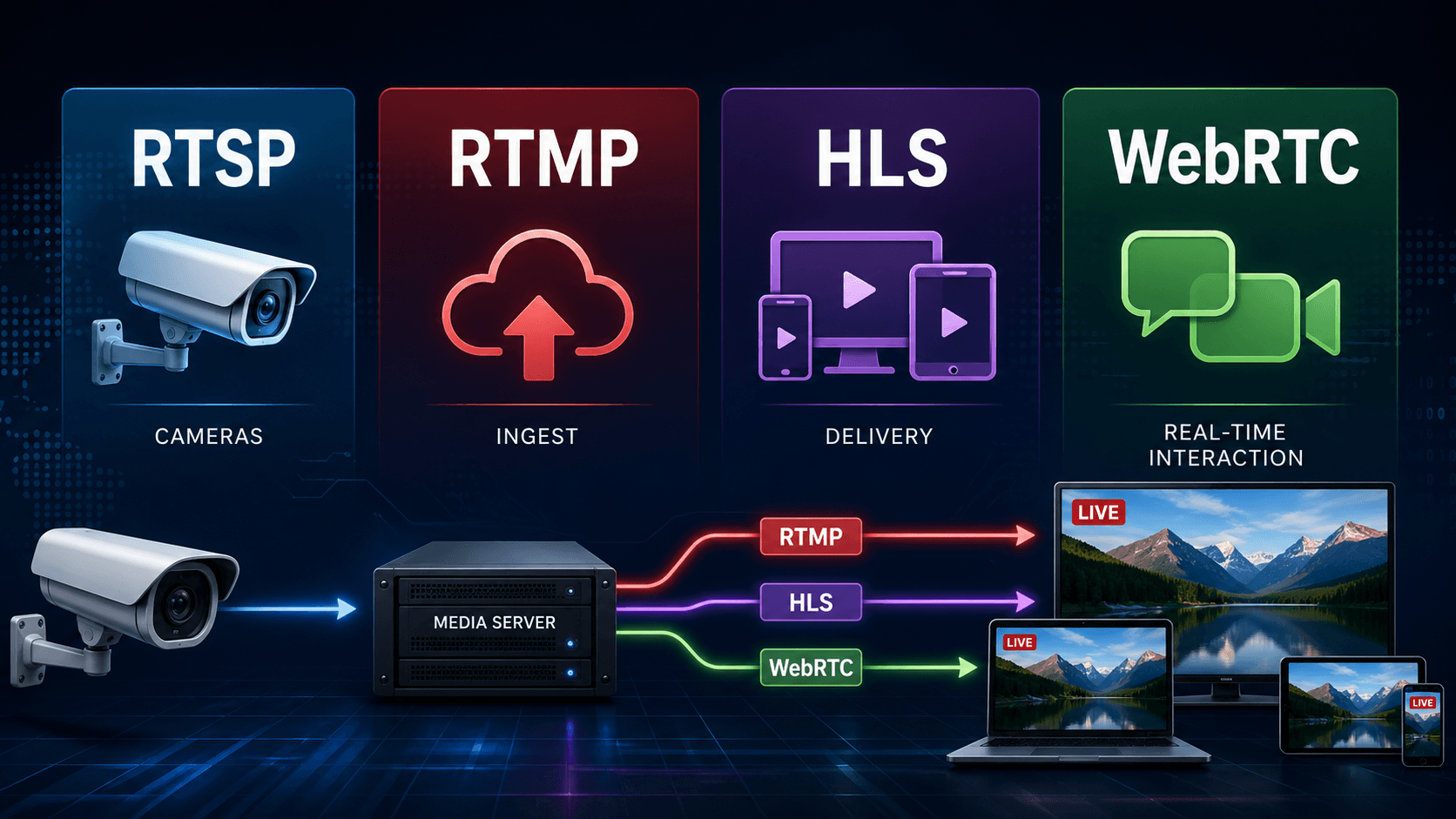
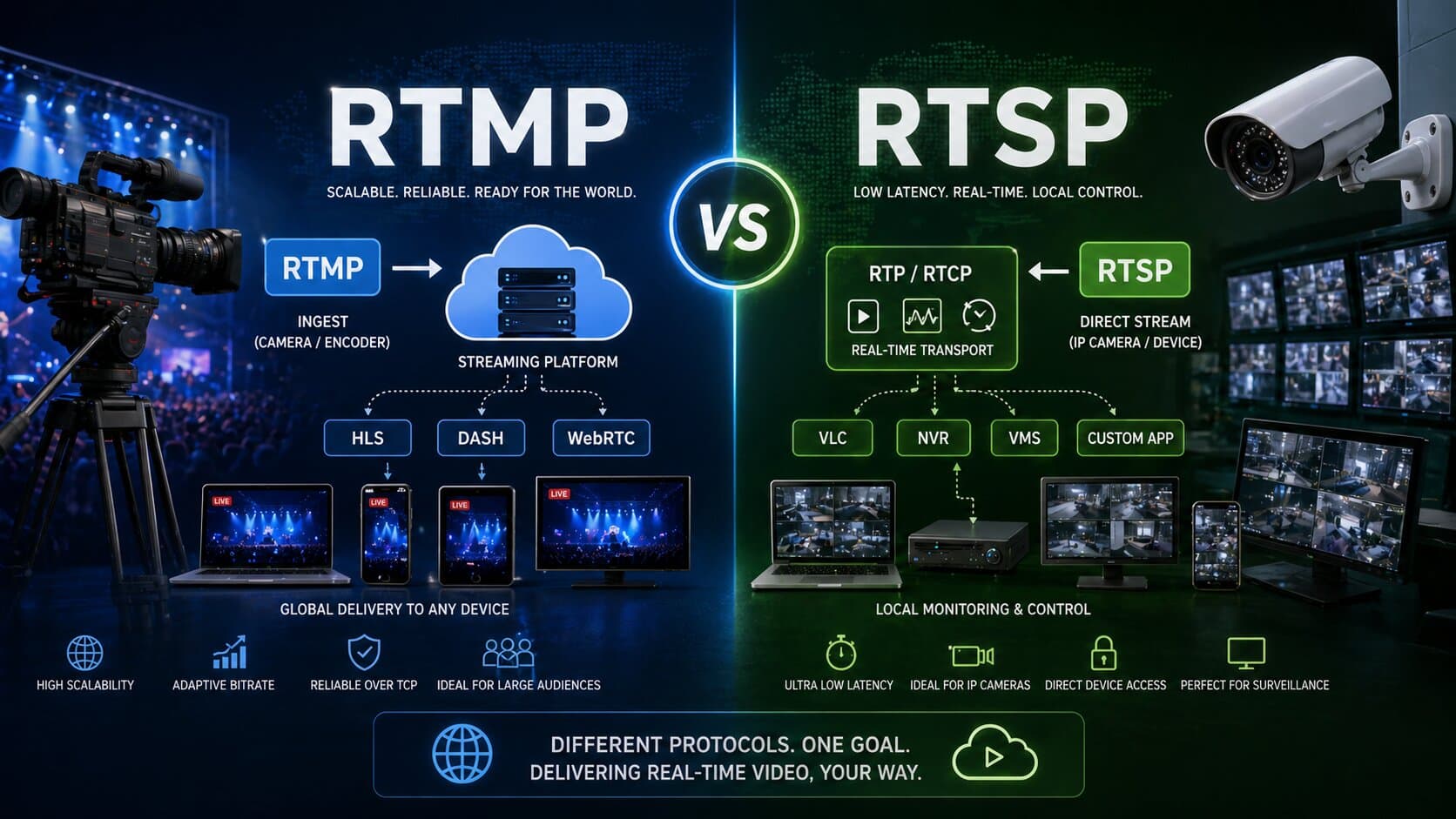
Web browsers do not support RTSP streams directly. To display them online, you need to convert the stream to a browser-compatible protocol:
- RTMP or HLS - via streaming servers like Wowza or Red5.
- WebRTC - for low-latency playback in browsers.
- Tools like RTSPtoWeb bridge the gap between RTSP feeds and web display.
Platforms such as Realtime simplify this by ingesting RTSP streams once and securely distributing them to unlimited browser-based viewers via a global CDN.
Configuration tips for RTSP viewers
When setting up an RTSP viewer, the first step is to make sure the RTSP URL is entered correctly, including the username, password, IP address, and port number. Using a static IP address for your camera is recommended, as it prevents connection issues that can arise when addresses change on reboot. Compatibility is another important factor: confirm that the viewer supports the video codec your camera is using, such as H.264 or H.265, to avoid playback problems. If you experience unstable streams or frequent disconnects, check your firewall and NAT settings, and consider enabling RTP-over-TCP to maintain a more reliable connection. For setups involving several cameras, it’s often easier to work with viewers or management software that provide a centralized dashboard, making it simpler to organize and monitor multiple streams at once.
Final thoughts - choosing the right RTSP viewer
A reliable rtsp viewer is a must-have for anyone managing IP cameras or RTSP-based live video.
- VLC Media Player is perfect for quick tests and universal compatibility.
- Rtsp Player by Gardinal offers a simple interface for everyday monitoring.
- GitHub-based RTSP Viewers provide customization and multi-stream flexibility.
For larger-scale deployments or when browser access is required, pairing your RTSP cameras with Realtime gives you:
- secure ingestion of RTSP feeds,
- global distribution through a built-in CDN,
- unlimited browser-based viewers without extra conversion steps,
- automatic recording, timelapse generation, and clip creation.
Get started with Realtime and make your RTSP streams instantly viewable on any device, anywhere in the world.