Multi Camera Live Streaming - Advanced Configuration
Setting up multi-camera live streaming at a professional level is complex, but with the right tools it becomes a repeatable workflow.
Setting up multi-camera live streaming at a professional level is complex, but with the right tools, planning, and team, it becomes a repeatable workflow that delivers stunning results. Whether you’re streaming a global conference or a weekly church service, these strategies will help you raise the bar.
Need help scaling your setup or choosing the best tech stack for your team? GetRealTime can help you unlock the full potential of your production and make the process faster, easier, and more secure.
What is multi camera live streaming?
Multi camera live streaming means broadcasting video from multiple camera sources at once, with real-time switching between angles. It’s the gold standard for high-quality production, enabling dynamic storytelling and professional polish.
But to do it right, you need more than just extra cameras, you need synchronization, switching, encoding, and a platform that can handle your stream securely at scale.
Choosing and positioning your cameras
At the heart of every great live stream is intentional visual storytelling. That begins with your camera setup. For advanced multi-camera configurations:
- use 2-4+ high-definition cameras (HDMI or SDI output), like the Sony PXW-Z150 or Panasonic AG-CX350,
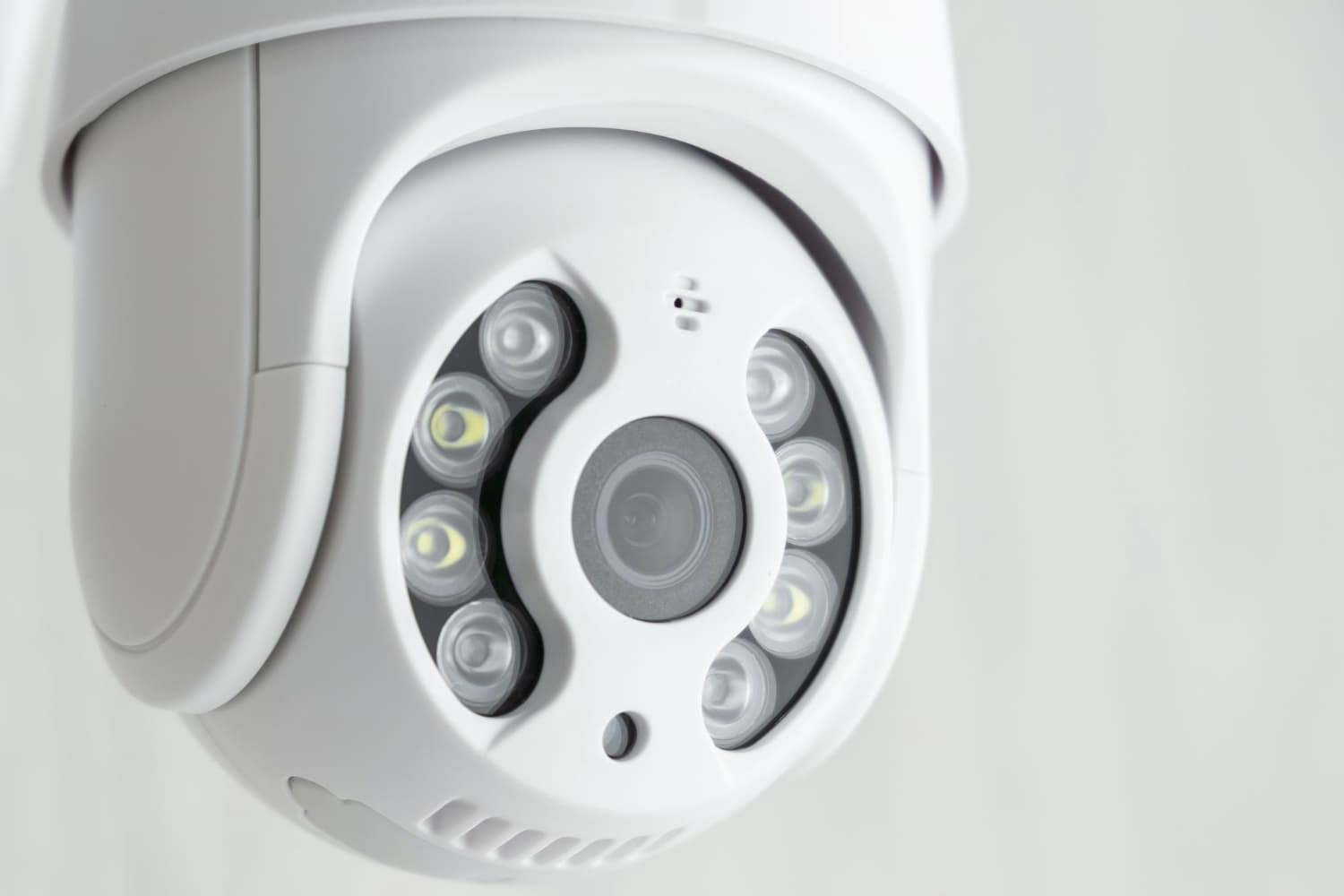
- plan ahead for wide shots, close-ups, and audience/reaction angles,
- use tripods, sliders, or PTZ mounts to stabilize and automate camera movement.
Pro tip: Design your layout like a director, every camera should have a clear, unique purpose in the final composition.
Switching between feeds in real time
Real-time switching is what turns raw footage into a live experience. There are two main switching options:
- Software switchers like OBS Studio, Wirecast, vMix, or VidBlasterX give flexibility for overlays, transitions, and remote control.
- Hardware switchers such as Blackmagic ATEM Mini/Pro offer dedicated inputs with tactile buttons and low-latency switching.
Choose your switcher based on the complexity of your stream, the number of inputs, and whether you're mobile or studio-based.
Capturing and routing your video signals
Each camera feed must reach your switcher or PC in real time. To do this efficiently:
- use capture cards (Elgato, Magewell, or Blackmagic) for each camera,
- consider multi-input capture devices for streamlined signal management,
- ensure support for your stream’s resolution (HD or 4K) and refresh rate (30/60fps).
This is a key point in avoiding lag or signal degradation between devices.
Audio mixing and sync management
Out-of-sync audio is one of the most noticeable issues in any live stream. To fix this:
- use an external audio mixer (Yamaha, Behringer) to combine mics and audio sources,
- delay audio output to match video latency (especially if using hardware switchers),
- monitor in real time with headphones and adjust sync on the fly when needed.
Always do a test run to ensure your audio and video are perfectly aligned.
Stream anywhere with Realtime
Once your live feed is ready, Realtime lets you stream anywhere:
- embed it directly into your website or app,
- share a custom branded page for your stream,
- simulcast to YouTube, Facebook, Twitch, and other platforms.
You stream once, Realtime distributes it everywhere, securely and in real time.
Going remote: integrating off-site feeds
In 2025, multi-site and remote guest streaming is more common than ever. Include participants or cameras from anywhere using:
- vMix Call or Zoom ISO for bringing in remote speakers as isolated video/audio feeds,
- NDI virtual cameras to bring feeds from other computers or studios,
- low-latency routing over bonded internet or cloud infrastructure for reliability.
This flexibility turns any production into a global-ready show.
Controlling your setup like a studio
With Realtime, you can go beyond basic streaming:
- set custom recording schedules,
- automatically generate timelapses,
- add custom branding to your player,
- insert in-stream ads for monetization,
- Let viewers create and share clips.
All of this is designed to increase engagement and turn your stream into a long-term asset.
Recording for post-production
Realtime offers automatic recording - no need for extra gear or manual capture.
- Archive full streams for compliance or marketing.
- Generate shareable clips post-event.
- Build content libraries from your broadcasts.
Recording is automatic, cloud-based, and available on-demand.
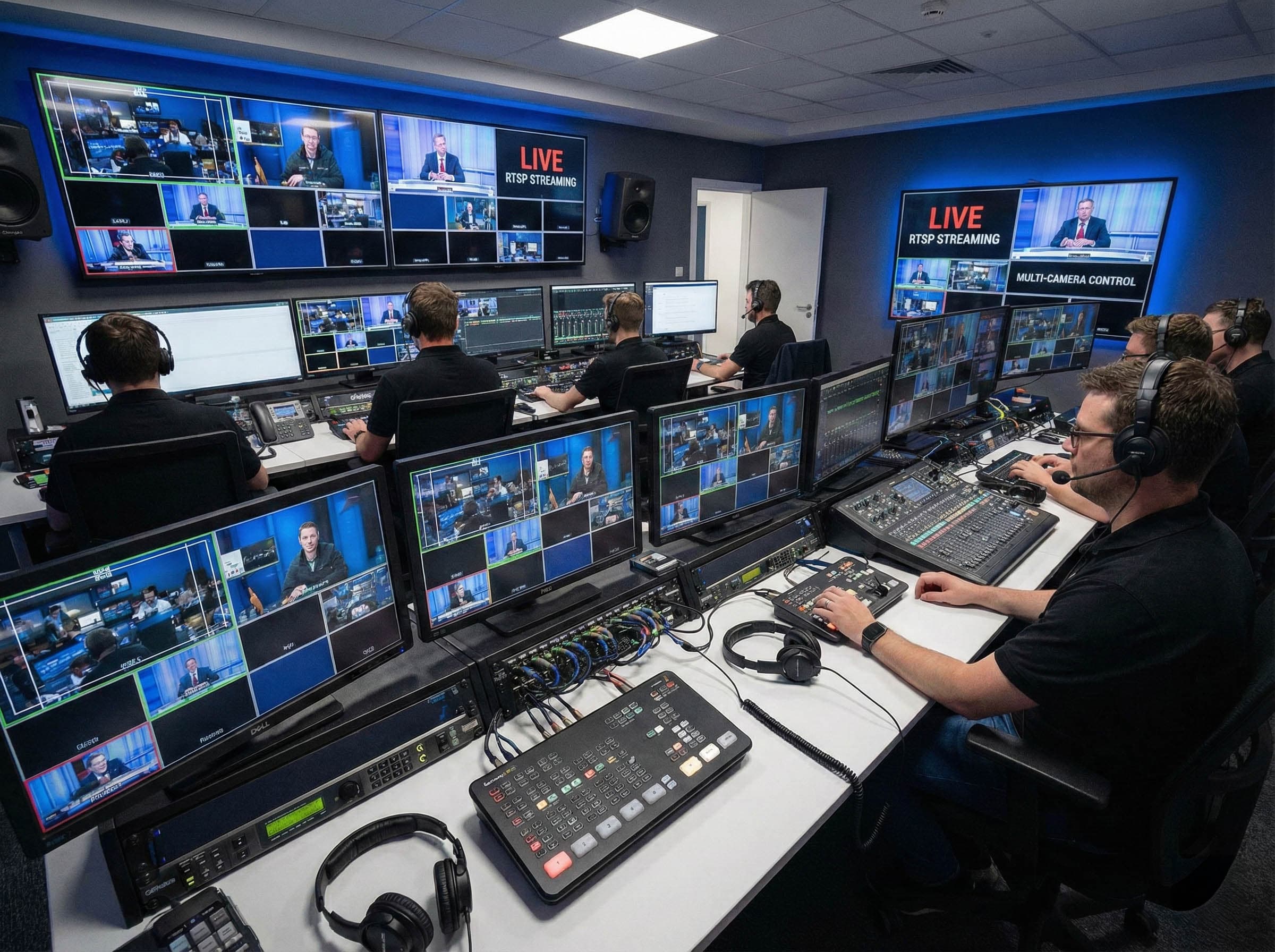
Production control room (PCR) tips
If you're running a larger-scale stream, treat your production like a broadcast:
- assign roles: director, switcher, audio tech, floor manager,
- use headsets/intercoms for team communication,
- pre-build scene templates, lower-thirds, and overlays in advance.
PCR workflows create consistency, reduce errors, and allow your stream to feel effortles, even during high-pressure moments.
Match your setup to the use case
Not all multi-camera setups are the same. Adapt your configuration to your needs.
- Church or webinar? Consider plug-and-play kits like VM33.
- Sports or music? Use mobile cameras, wireless systems, and dedicated slo-mo replays.
- Conference or hybrid event? Prioritize remote feed integration and crisp presentation capture.
There’s no one-size-fits-all, but the building blocks remain consistent.
Final thoughts: elevate your stream, not your stress
Advanced multi camera live streaming doesn’t have to be complicated. With the right configuration and a platform like Realtime, you can produce stunning, synchronized broadcasts that are easy to share, embed, and monetize.
From hardware switchers and audio mixers to IP cameras and global distribution - Realtime makes it all streamlined, secure, and scalable.