RTSP Server - Configuration and Management Guide
An RTSP server (Real Time Streaming Protocol server) is a critical component of modern video streaming and surveillance systems.

It enables cameras, encoders, and media sources to stream content over IP networks while giving clients control over playback functions such as play, pause, and stop.
What is an RTSP server?
The RTSP protocol manages multimedia streaming sessions between a client and server. While RTSP handles session control, the actual media is transmitted using RTP (Real-time Transport Protocol), with RTCP monitoring quality and synchronization.
Key components:
- RTSP Server - hosts and streams media sources such as IP cameras or video files.
- RTSP Client - a player or application that requests and controls playback.
- Media Streams - audio/video delivered via RTP.
Step 1: Installing an RTSP server
There are multiple software solutions for running an RTSP server, depending on your environment and use case:
- Live555 - lightweight open-source RTSP server.
- Wowza Streaming Engine - enterprise-grade with advanced features.
- GStreamer - flexible, developer-friendly streaming framework.
- openRTSP - useful for testing and development.
Basic installation process:
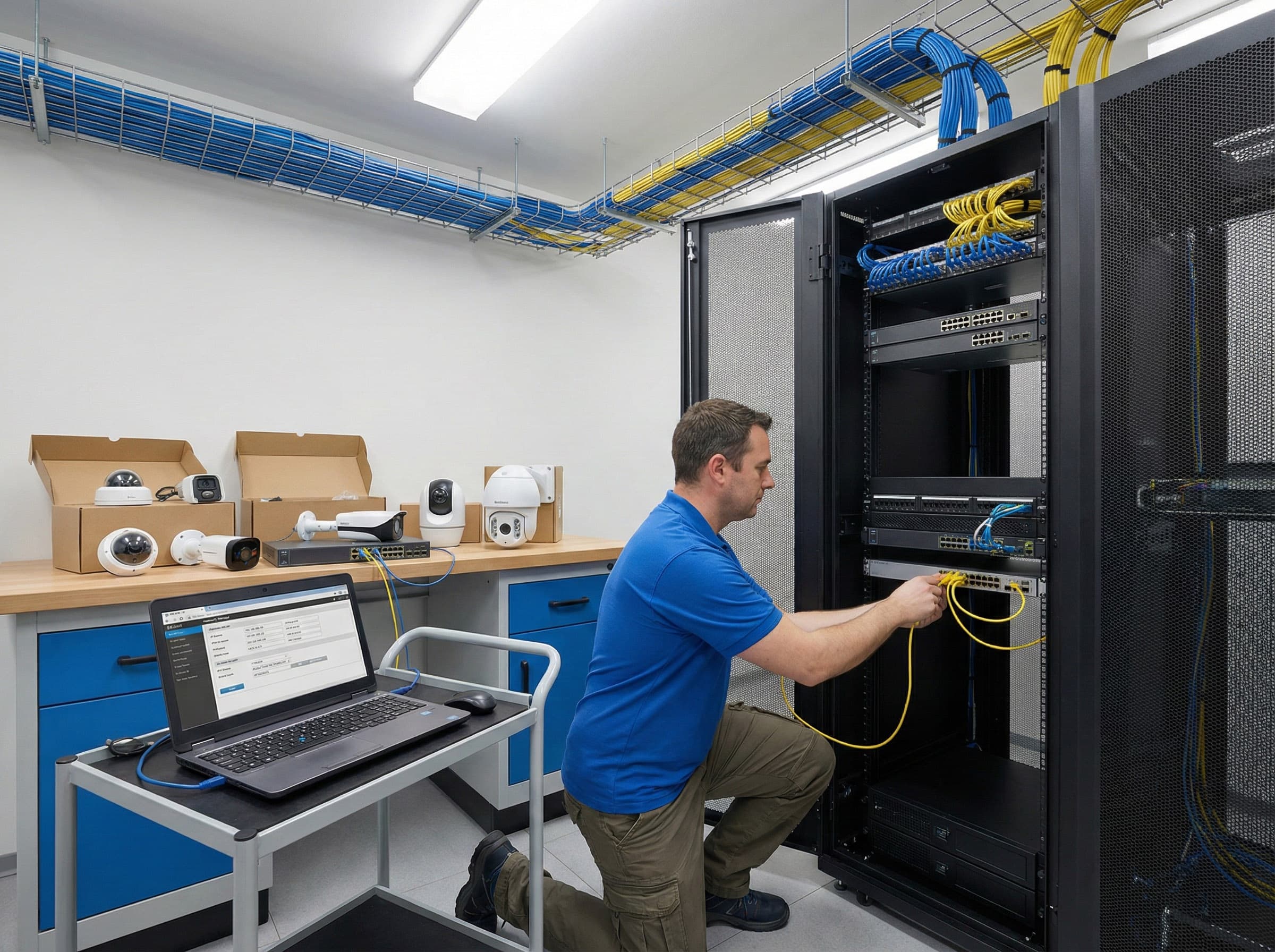
- Install RTSP server software on your server or VM.
- Prepare your media sources (IP cameras, encoders, or video files).
- Configure the default port (554) or alternative port (e.g., 8554) if needed.
- Create RTSP URLs for each stream (e.g., rtsp://username:[email protected]:554/stream1).
Step 2: Configuring your RTSP server
Essential configuration:
- Enable RTSP service and define the listening port.
- Add media sources (camera feeds, local files).
- Set user credentials for authentication.
- Save and export RTSP URLs for client connections.
Command flow for streaming:
- OPTIONS - client checks server capabilities.
- DESCRIBE - client requests stream details.
- SETUP - initializes stream and allocates resources.
- PLAY - starts playback.
- PAUSE - halts playback.
- TEARDOWN - ends session.
Step 3: Security best practices
Because RTSP servers often carry sensitive video data, security is essential:
- Require username and password authentication.
- Limit access by IP whitelisting or firewall rules.
- Use encrypted tunneling (VPN, TLS wrappers) if supported.
- Update server software regularly to patch vulnerabilities.
- Avoid exposing RTSP directly to the internet; instead, use a relay platform like Realtime to securely ingest and distribute streams.
Step 4: Optimizing performance
To maintain smooth streaming with minimal latency:
- Ensure sufficient bandwidth (1080p requires ~3-5 Mbps per stream; 4K may require 20-25 Mbps).
- Use hardware acceleration for encoding if available.
- Place cameras and server on a dedicated VLAN for stability.
- Enable interleaved RTP over TCP when UDP is blocked by firewalls.
- Monitor CPU and memory load when running multiple streams.
Step 5: Monitoring RTSP server health
Regular monitoring prevents downtime and ensures quality of service:
- Use server logs to track client connections and errors.
- Monitor latency, packet loss, and jitter with RTCP stats.
- Integrate monitoring into your NMS (Network Monitoring System).
- Perform load testing if serving large numbers of clients simultaneously.
Step 6: Backup and disaster recovery
An RTSP server is often mission-critical for surveillance and live streaming. To ensure resilience:
- Back up configuration files and stream settings regularly.
- Mirror streams to a secondary server for failover.
- Store recordings on redundant storage (RAID, cloud backups).
- Develop a disaster recovery plan for restoring services after hardware or network failures.
Troubleshooting common issues
- No stream available → Check RTSP URL, credentials, and port configuration.
- Stream drops → Assign static IPs, review firewall/NAT settings, and test bandwidth.
- Out-of-sync audio/video → Adjust buffering or apply audio delay in VMS.
- Remote clients can’t connect → Use port forwarding or relay through a secure CDN like Realtime.
Building a secure and reliable RTSP server
An RTSP server remains one of the most flexible solutions for video surveillance, remote monitoring, and live streaming. When set up with strong security, optimized network performance, and reliable backup, it becomes the backbone of a scalable, professional video system.
Get started with Realtime and transform your RTSP server into a global, secure streaming solution.