RTSP Cameras - Setup and Management Guide
Set up RTSP cameras right: find the RTSP URL, set static IPs, test in VLC, integrate with NVR/VMS, and scale securely with Realtime.
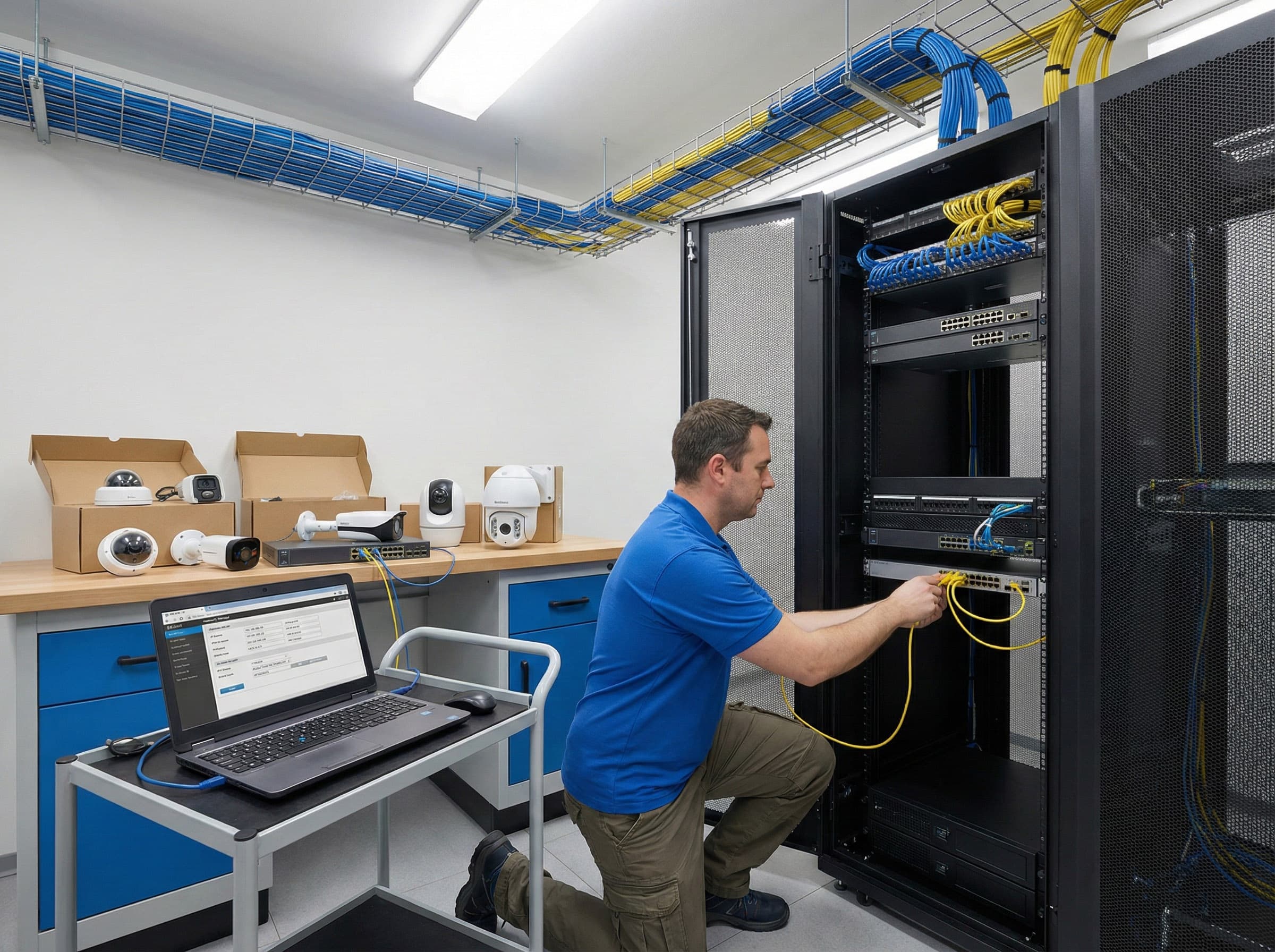
RTSP cameras are widely used in video surveillance, live streaming, and remote monitoring thanks to their flexibility, interoperability, and compatibility with a wide range of software. Setting them up correctly ensures stable, high-quality streaming and simplifies integration with centralized management systems.
What are RTSP cameras?
RTSP (Real Time Streaming Protocol) cameras use a standardized protocol for video streaming over IP networks. This makes them compatible with media players, NVRs (Network Video Recorders), VMS (Video Management Systems), and cloud platforms such as Realtime, which ingests an RTSP stream once and distributes it globally.
Key advantages:
- interoperability across different manufacturers,
- real-time monitoring with low latency,
- support for both security and live streaming applications.
Step 1: Connect your RTSP camera
- Power on the camera and connect it to your local network via Ethernet or Wi-Fi.
- Ensure your router assigns an IP address. For reliable operation, plan to switch to a static IP later.
Step 2: Find the RTSP URL
Every camera has a unique RTSP URL - usually in the format:
rtsp://username:password@ip-address:port/stream
- Default port: 554
- URL is available in the user manual or manufacturer’s documentation.
- If unclear, check online databases (like iSpy) or vendor support forums.
Step 3: Configure network settings
- Access the camera dashboard by entering its IP address into a browser.
- Set a static IP to prevent connectivity changes when the router reboots.
- Configure firewall rules if external access is needed.
For multi-camera deployments, assign each device a unique static IP within your subnet for easier central management.
Step 4: Test the RTSP stream
Before integrating with other systems, test the connection:
- Use VLC Media Player → Open Network Stream → paste the RTSP URL.
- Confirm video and audio playback.
- If quality issues occur, verify bitrate and resolution in the camera’s settings.
Step 5: Integrate with NVR or VMS
For centralized management and recording:
- Add the RTSP camera manually in your NVR/VMS software.
- Input the RTSP URL, IP address, username, password, and protocol (RTSP).
- If supported, enable ONVIF for simpler auto-discovery and configuration.
With Realtime, you can ingest one RTSP stream and securely distribute it to unlimited viewers via CDN, while automatically recording and generating timelapses.
Step 6: Manage multiple RTSP cameras
Large projects often require dozens of RTSP cameras. Best practices:
- Use a dedicated VMS platform (e.g., Milestone, Agent DVR, iSpy) for centralized control.
- Organize cameras by zones (entry points, perimeters, high-risk areas).
- Monitor bandwidth usage - each 1080p camera requires 3-5 Mbps; 4K streams require 15–25 Mbps.
For scalability, offload heavy distribution to platforms like Realtime, ensuring stable playback for all users.
Step 7: Performance monitoring and optimization
A stable RTSP camera setup depends on consistent network and stream quality:
- Use QoS (Quality of Service) settings on routers to prioritize video traffic.
- Monitor CPU, memory, and network load on NVR/VMS servers.
- Adjust frame rates or compression if bandwidth is limited.
- Place cameras on a separate VLAN for security and performance isolation.
Step 8: Troubleshooting common issues
- No video: Check RTSP URL, port, and authentication.
- Stream drops: Assign static IPs, test network stability, and update firmware.
- Poor quality: Lower bitrate or resolution, optimize Wi-Fi (if wireless).
- Sync issues: Ensure audio delay matches video latency in the VMS or streaming software.
- Remote access problems: Use port forwarding, VPN, or cloud relay via Realtime for secure external viewing.
Step 9: Compliance and data security
Since RTSP streams often contain sensitive footage:
- Encrypt streams when possible (use VPN or secure relay).
- Apply strong passwords and restrict user access levels.
- Follow local data retention and privacy regulations (e.g., GDPR).
- Archive recordings to redundant storage for incident investigation.
Making RTSP cameras work for you
RTSP cameras provide unmatched flexibility, interoperability, and real-time performance. When properly configured, they can power security systems, remote monitoring, or even live event streaming.
By integrating with a platform like Realtime, you gain:
- global, secure distribution from a single RTSP input,
- unlimited viewer access across devices
- automatic recording, timelapse generation, and clip creation
- centralized management for multi-camera deployments
Get started with Realtime and transform your RTSP camera setup into a scalable, professional video monitoring solution.