
PTZ Camera for Live Streaming - Complete Guide 2025
A PTZ camera for live streaming is one of the most versatile tools for modern video production.
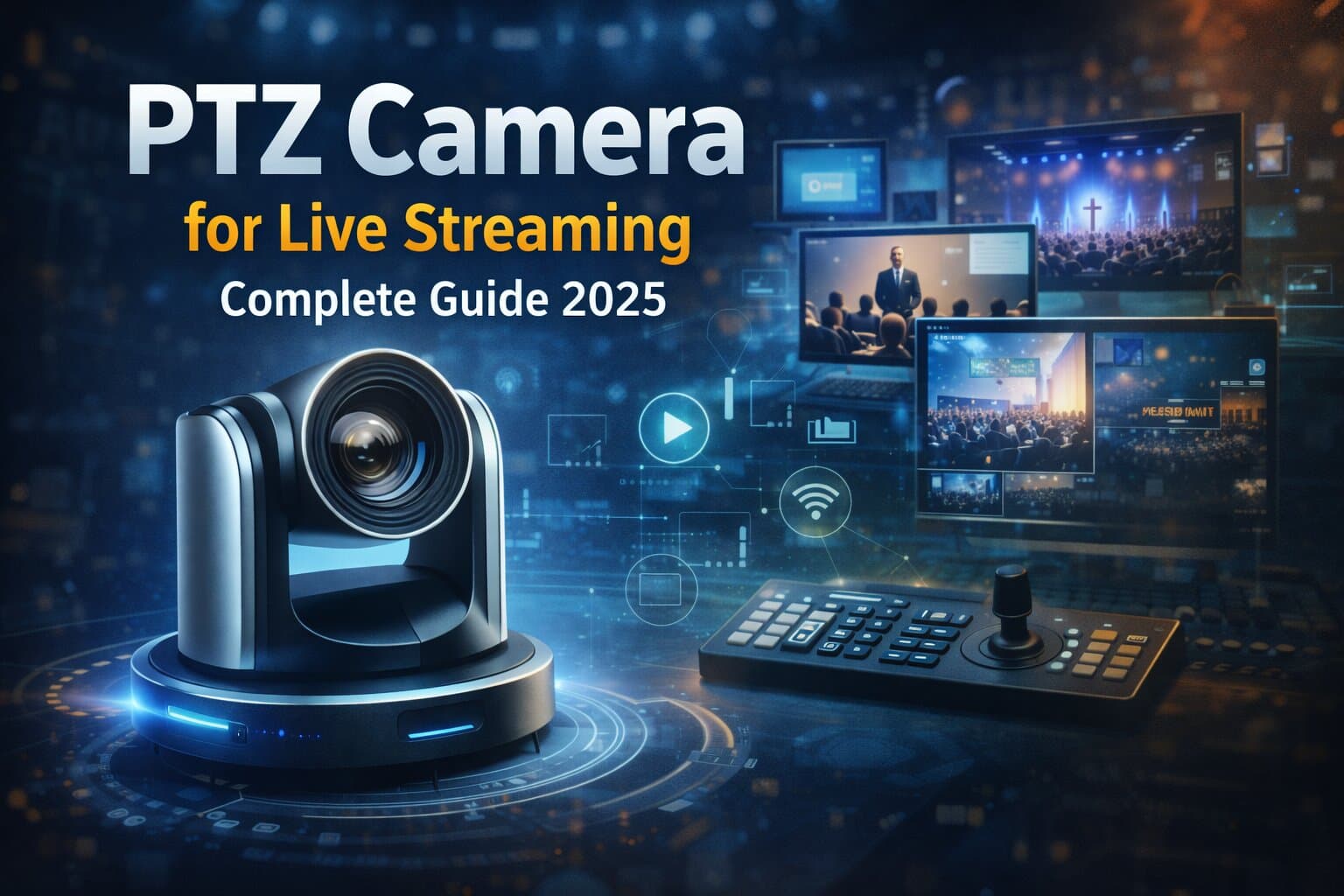
PTZ stands for pan-tilt-zoom - a technology that allows the camera to move horizontally, vertically, and zoom in or out remotely. Equipped with internal motors and advanced tracking capabilities, PTZ cameras have become the standard for professional live broadcasts, corporate events, concerts, and even church services. Unlike fixed cameras, PTZ models allow operators to control multiple viewpoints from a single station, making it possible to achieve dynamic, broadcast-quality coverage without a large production crew.
What makes PTZ cameras ideal for live streaming
The main advantage of a PTZ camera lies in its remote control and flexibility. From a single interface, you can pan across a stage, tilt to capture the audience, or zoom in on a speaker - all without physically touching the camera. Many models even support pre-programmed movement sequences, so the camera automatically switches between preset angles during a live event.
This makes PTZ systems perfect for venues that require smooth camera transitions, such as conference halls, theaters, sports arenas, or places of worship. With auto-tracking features, the camera can follow a moving subject, ensuring that the main speaker or performer stays centered in the frame at all times. The result is a professional broadcast look with minimal manual effort.
Setting up a PTZ camera for live streaming
While PTZ cameras are powerful, their setup is surprisingly straightforward. The process involves connecting, configuring, and integrating the camera with your chosen streaming platform.
First, connect the camera to your network using an Ethernet cable. Many models support Power over Ethernet (PoE), allowing a single cable to handle both power and data - simplifying installation, especially when the camera is mounted on walls or ceilings.
Next, assign the camera an IP address using the manufacturer’s software or a network scanner. This lets you access the camera’s interface from a web browser. Once connected, you can configure resolution, frame rate, and audio settings, as well as control pan, tilt, and zoom remotely.
The next step is streaming configuration. In the camera’s settings, you’ll usually find an option to add your RTMP streaming details - this is the protocol that sends your live video feed to platforms such as Twitch, YouTube, or Facebook Live. You’ll need to paste your stream URL and key, both provided by the platform. After saving these details, the camera can stream directly without needing a computer in between.
If you want to make your stream more interactive or visually dynamic, you can embed the feed on your website or use software like OBS Studio for overlays, transitions, and multi-camera management.
Remote control and automation
One of the biggest advantages of a PTZ camera for live streaming is the ability to manage everything remotely. Many systems come with dedicated control panels or joystick controllers, but you can also operate most models through software or even a web browser.
For larger productions, multiple PTZ cameras can be connected to the same network and controlled simultaneously from a single operator station. Advanced users can integrate PTZ control into professional systems such as vMix, Wirecast, or Blackmagic ATEM, allowing for seamless camera switching and synchronized movements.
Automation takes this further. Modern PTZ cameras offer auto-tracking and motion presets, allowing them to follow speakers automatically or transition between predefined positions. This feature reduces the need for manual input, which is especially valuable in environments with limited technical staff.
Key features to look for in a PTZ camera
When choosing a PTZ camera, several features determine its performance and suitability for professional streaming:
- Optical zoom range - Optical zoom ensures clear, detailed shots even from a distance. Models with 12x-30x zoom are ideal for large venues.
- Smooth and silent motors - Quiet movements prevent distracting mechanical noise during live broadcasts.
- Resolution and image quality - Look for Full HD or 4K output depending on your streaming requirements.
- Low-light capability - Cameras with strong sensors and IR night vision handle dimly lit environments better.
- Audio support - Built-in microphones are convenient, but XLR or 3.5 mm inputs are preferred for professional sound systems.
- PoE support - Simplifies cabling and installation, reducing setup time.
- RTMP and RTSP compatibility - Ensures easy integration with streaming software or cloud-based platforms like Realtime.
Typical use cases and applications
PTZ cameras are used across a wide range of professional scenarios. In corporate environments, they’re ideal for hybrid meetings and training sessions. In houses of worship, they capture sermons and music performances from multiple angles without disrupting the congregation. In concerts and events, PTZ cameras provide dynamic coverage with smooth transitions between performers and crowd shots.
They are also increasingly popular in sports broadcasting, where one operator can track gameplay from multiple fixed positions. Educational institutions use them to record lectures or stream classes, while live streaming companies rely on PTZ setups for multi-camera workflows that combine flexibility with cost efficiency.
Advantages of using PTZ cameras
A single PTZ camera can often replace multiple static cameras and operators. Its space-saving design allows discreet mounting in tight or elevated locations, while remote control capabilities make it easy to adapt to any production environment. The combination of automation, high-quality optics, and professional-grade video output means you can achieve broadcast-level production with minimal crew and infrastructure.
Additionally, PTZ cameras integrate seamlessly with Realtime. You can connect your camera via RTMP or RTSP, stream directly to a global audience, and let Realtime handle distribution through its secure CDN. The platform also supports automatic recording, timelapses, and clip creation, turning every broadcast into shareable content that can be embedded anywhere.
Final thoughts - flexibility and professionalism in one camera
A PTZ camera for live streaming delivers the perfect balance between flexibility, automation, and professional quality. It allows broadcasters, event organizers, and content creators to manage dynamic multi-angle streams without needing a full production team.
With the ability to pan, tilt, and zoom smoothly while maintaining crystal-clear image quality, PTZ cameras have become an essential tool for modern live production. When paired with Realtime, they form a complete solution for secure, scalable, and high-quality streaming - whether you’re broadcasting from a church, a stadium, or a corporate studio.
%2520(5).png&w=3840&q=75)
%2520(4).png&w=3840&q=75)
%2520(2).png&w=3840&q=75)