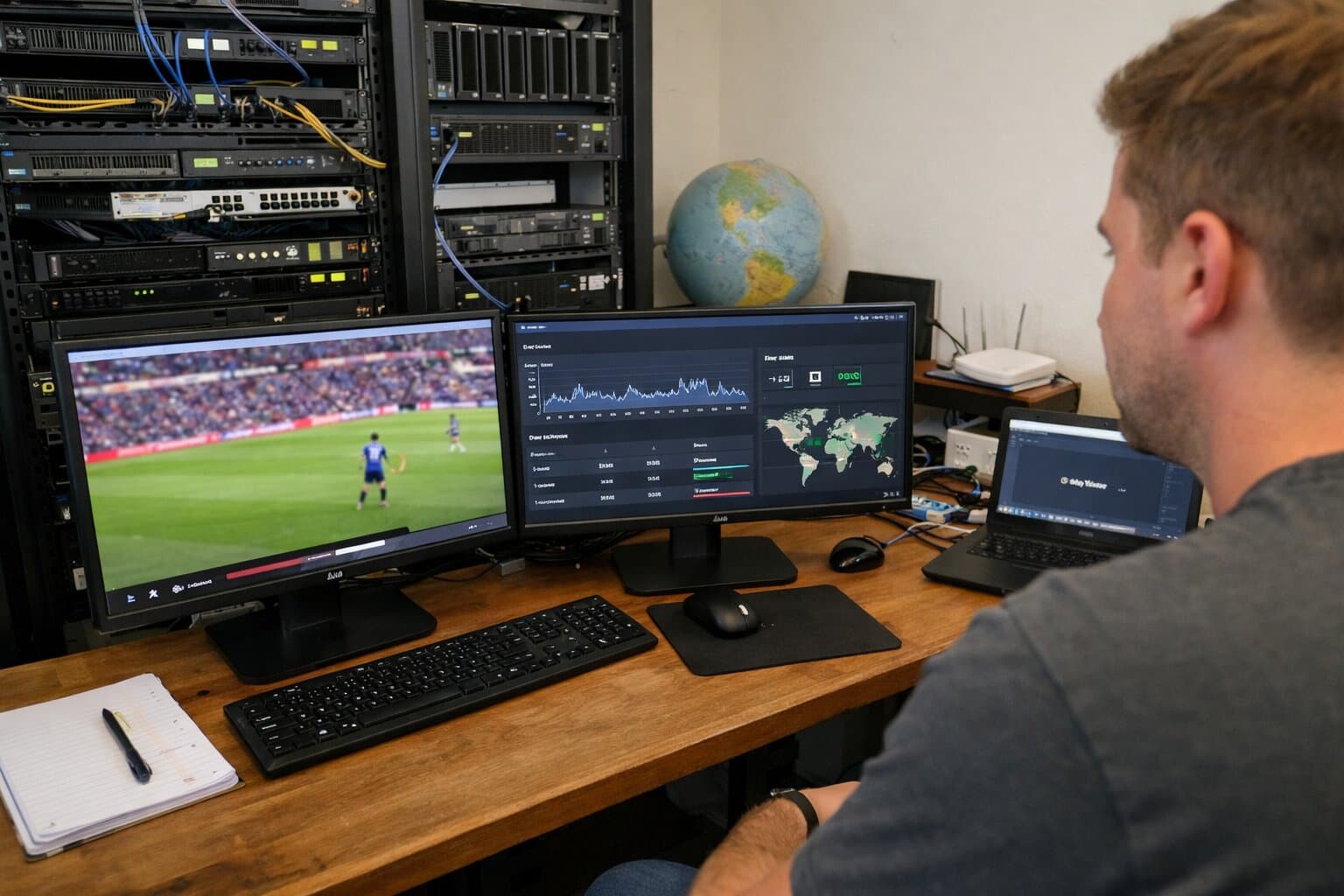
Live Streaming Server - Professional Setup Guide
Setting up a live streaming server isn't just about installing a few tools and hitting “Go Live.”
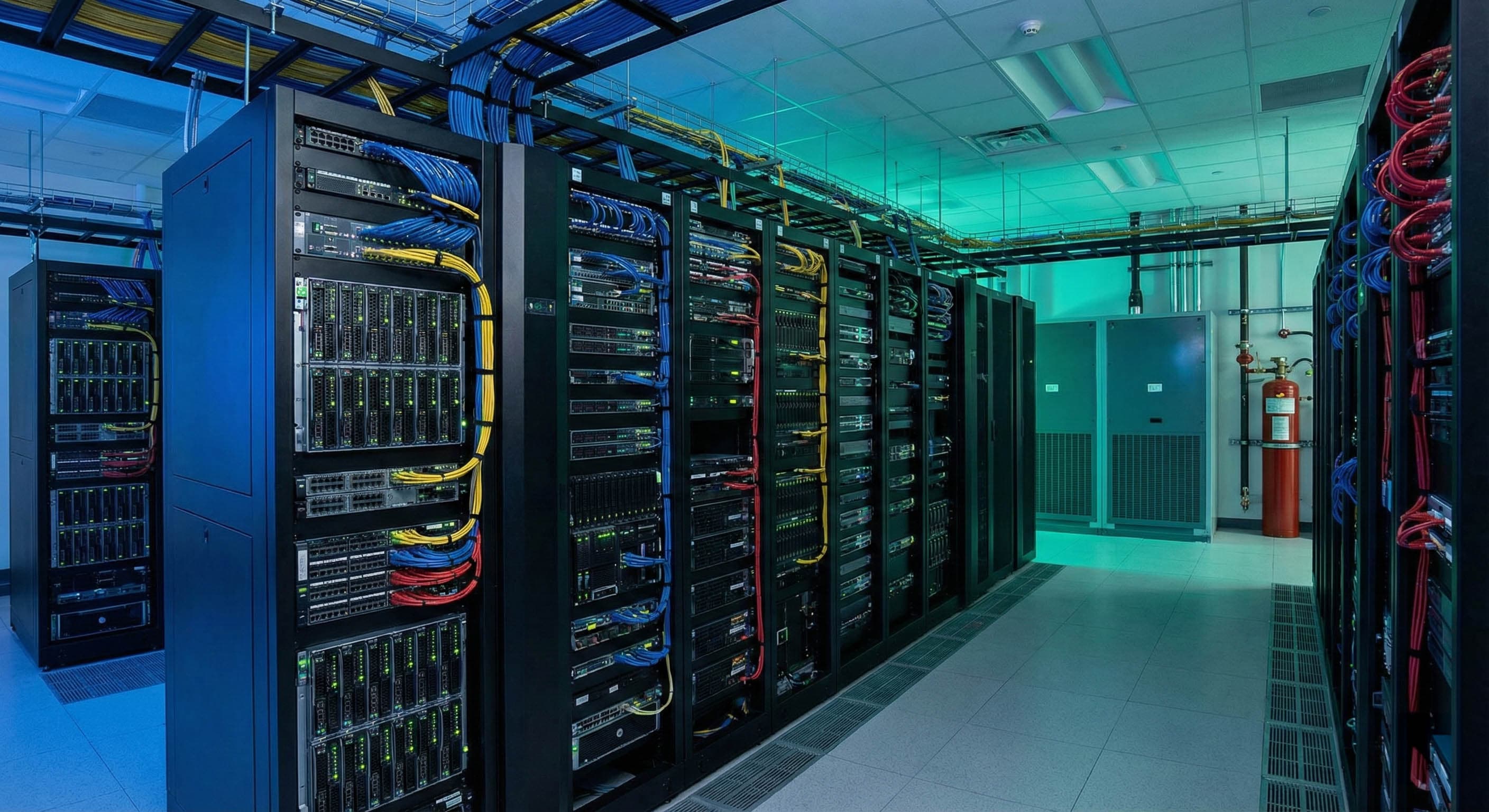
For professional-grade broadcasting, you need a setup that’s optimized for performance, scalability, and reliability, whether you're streaming to thousands of viewers or powering a 24/7 live channel.
1. Hardware and network requirements
A professional live streaming server starts with robust, scalable hardware. Your components will directly influence stream stability, encoding performance, and viewer experience.
Minimum hardware specs:
- CPU: Intel Xeon or AMD Ryzen with 4 to 16+ cores (more cores = better multi-stream performance)
- RAM: 16–32 GB for mid-scale setups (1 GB per concurrent stream is a good rule of thumb)
- Storage: SSDs are preferred for low-latency read/write operations
- GPU (optional): Use for hardware-accelerated encoding (e.g. NVENC for OBS or FFmpeg)
- Network interface: 1 Gbps NIC at minimum; 10 Gbps for large-scale streaming
Bandwidth planning:
- 3-5 Mbps per viewer (720p)
- 6-8 Mbps per viewer (1080p)
- 25 Mbps or more per viewer (4K)
Tip: Always provision 1.5x–2x the total estimated bandwidth to handle fluctuations and spikes. For example, 500 viewers at 1080p = ~3.5 Gbps required bandwidth.
Add redundancy via load balancers, failover nodes, or CDNs to maintain uptime.
2. Operating system and network setup
Most professional streaming servers run on Linux due to its performance and control flexibility, though Windows Server is also an option.
OS installation and configuration:
- Install Ubuntu Server, CentOS, or Debian via bootable USB,
- configure partitions and create system users,
- disable unnecessary services for performance and security.
Network configuration:
- Set static IP addresses to maintain consistency in server endpoints,
- configure firewall rules (e.g., open TCP port 1935 for RTMP, 80 and 443 for HTTP/HTTPS),
- harden your server (disable root login, use SSH keys, set up fail2ban, etc.).
3. Streaming software stack
With your hardware and OS ready, it's time to install the software that will encode, receive, and distribute your live video.
Server-side software:
- Nginx with RTMP module - lightweight and customizable, handles RTMP ingest and stream routing.
- Wowza, Red5, or Ant Media Server - Enterprise-ready alternatives with advanced features.
- FFmpeg - essential for transcoding and format conversion.
Client-side tools:
- OBS Studio - free, open-source encoder and broadcaster,
- vMix, XSplit, or Wirecast - paid alternatives with more production features.
Configuration tips:
- Set bitrate, resolution, codec (H.264/H.265), and keyframe intervals in OBS,
- define stream keys and server URLs (e.g., rtmp://your-server/live),
- create OBS scenes with overlays, webcam, desktop capture, or multiple inputs.
4. Testing and performance optimization
Before going live, it's critical to test your entire streaming pipeline.
Run test streams to check:
- Video quality and resolution.
- Audio clarity and synchronization.
- Network stability and packet loss.
Tune encoding settings:
- Match bitrate to upload capacity.
- Lower resolution if encountering buffering.
- Use CBR (constant bitrate) for more predictable bandwidth usage.
- Leverage hardware encoding (NVENC, QuickSync) if CPU is overloaded.
Distribution and scalability:
- Use a CDN to offload stream delivery and reduce latency across geographic regions.
- Implement adaptive bitrate streaming if your player supports it (HLS or MPEG-DASH).
5. Security, backup, and failover strategy
Secure your streaming server:
- use authentication tokens or signed URLs to prevent unauthorized access,
- set up HTTPS via SSL for all endpoints,
- regularly update software and monitor logs for suspicious activity.
Backup and disaster recovery:
- use configuration snapshots for quick restoration,
- set up redundant failover servers in separate availability zones,
- use cloud storage to archive recordings and metadata
Bonus tip:
If you don't host a physical machine, choose a VPS provider with dedicated bandwidth and low-latency infrastructure optimized for video streaming.
Optional: Simulcasting and advanced automation
You can further upgrade your streaming experience by:
- Simulcasting to platforms like YouTube, Facebook, or Twitch using restream services or custom scripts
- Scheduling automated stream starts, transitions, and scene switching
- Enabling cloud-based recording and clip creation for repurposing content
Tools like Streamlink, ffmpeg scripts, or Realtime’s built-in automation can help you scale further without increasing manual effort.
Building a streaming server that lasts
A professional live streaming server isn’t just a machine, it’s a finely tuned system combining compute, storage, bandwidth, encoding, and software. Whether you’re building a private broadcast network or streaming global events, a well-configured server ensures low-latency, high-quality delivery that scales with your audience. This setup not only improves viewer experience but also gives you control, flexibility, and resilience that off-the-shelf platforms can’t always match.
Want a faster way to stream professionally?
Platforms like Realtime let you:
- Connect any IP camera or encoder via RTMP or RTSP,
- distribute streams via a global, built-in CDN,
- embed in your site, app, or stream to any platform,
- automate recordings, generate timelapses, and share clips.
No server maintenance. No scaling headaches. Just professional live streaming made easy.