
Cameras for Streaming - Equipment Selection Guide
Find the best cameras for streaming and learn how to choose the right model for a reliable, professional-quality setup.
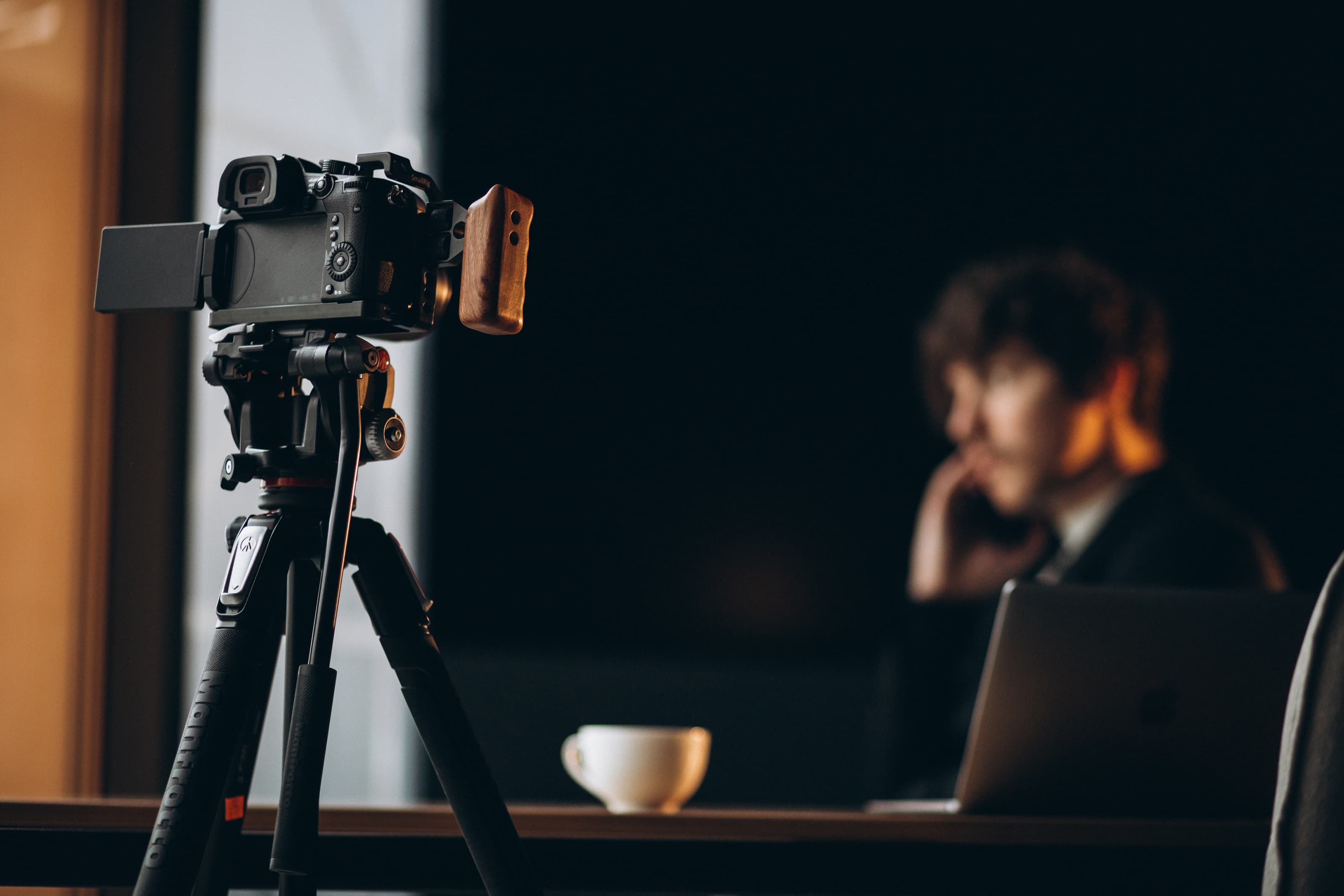
Choosing the right cameras for streaming can dramatically elevate the look, clarity, and professionalism of your broadcast. Whether you run a church livestream, produce multi-camera events, create content for YouTube, or host business webinars, the correct camera-paired with suitable accessories-defines the entire experience for your viewers. This guide provides a practical breakdown of camera categories, selection criteria, budget recommendations, and essential gear to help you build a reliable and high-quality streaming setup.
Top Cameras for Streaming in 2025
Creators have more options than ever, ranging from easy plug-and-play webcams to advanced mirrorless systems that rival professional broadcast rigs. Among the highest-rated models in 2025 are the Sony ZV-1 II, Logitech Brio 4K, and Panasonic Lumix GH5 II, all offering 4K resolution, fast autofocus, and clean USB/HDMI output compatible with OBS Studio, YouTube Live, and other platforms. These models work well whether you’re streaming from a desk, filming worship services, or running multi-camera hybrid events. Their strength lies in balancing exceptional image quality with intuitive setup and versatility.
How to Choose the Right Camera for Streaming
When deciding between webcams, compact cameras, PTZ systems, and mirrorless bodies, focus on the technical and practical requirements of your use case.
High-resolution output-preferably 4K-ensures sharper images, especially useful when cropping or reframing scenes. Low-light capability becomes essential in environments such as churches or indoor venues with mixed lighting. Autofocus performance determines whether the camera can reliably track faces, presenters, or moving subjects without distracting focus hunts.
Connectivity plays a major role in overall reliability. USB-C cameras simplify setup for solo creators, whereas HDMI or SDI outputs-paired with encoders like the Elgato HD60X or Blackmagic ATEM series-offer stable, broadcast-grade quality. Streamers who move around benefit from AI-based features such as subject tracking, auto-framing, and noise-canceling microphones found in models like OBSBOT Tiny.
Mirrorless cameras such as the Sony A7S II or ZV-1 II handle challenging lighting conditions, offering clean HDMI output and cinematic dynamic range. Meanwhile, PTZ cameras deliver remote pan-tilt-zoom control, making them ideal for churches and conference halls where cameras need to be unobtrusive and operated from a distance.
Budget Tiers and Recommended Models
To streamline your decision-making, here are practical camera picks grouped by budget and intended use.
Entry-Level (Best Plug-and-Play Options)
This tier focuses on simplicity, portability, and affordability. Webcams like the Logitech C922 Pro and Anker PowerConf C200 provide sharp 1080p or 4K output with dependable autofocus. They mount easily on monitors or tripods and require no capture card, making them a perfect starting point. Price range: $70-$200.
Mid-Range (Compact 4K Content Creation)
Creators seeking better color depth, low-light handling, and improved optics should look toward compact cameras. The Sony ZV-1 and Canon PowerShot G7 X Mark III deliver clean 4K video, uncropped recording, and direct YouTube streaming. Vertical video support makes them attractive for multi-platform creators. Price range: $650-$850.
Professional Tier (High-End and PTZ Streaming)
For live events, churches, multi-angle conferences, and hybrid productions, professional cameras deliver the detail and control required. Options like the Panasonic Lumix GH7 offer 5.7K recording, robust stabilization, and exceptional video tools. Meanwhile, systems like the NearStream VM20 provide PTZ zoom, multi-stream output, and remote control. Price range: $800+.
Essential Accessories for a Complete Streaming Setup
A camera alone won’t ensure great results. Supporting equipment is equally important.
Strong audio quality dramatically impacts viewer experience, so pair your camera with microphones such as the Shure MV7, wireless lavaliers, or shotgun mics depending on your recording space. Lighting is another critical component-softboxes, LED panels, and ring lights create even illumination that enhances any camera’s performance.
Tripods and mounts ensure stable framing, and encoders like the Blackmagic ATEM Mini allow seamless multi-camera switching for churches, concerts, and corporate setups. Where low-latency transmission is required, maintaining a wired Ethernet connection helps stabilize RTSP streams and reduces frame drops. Finally, always test your configuration in OBS Studio-adjusting bitrate, resolution, and color profiles to match your upload bandwidth and platform requirements.
Final Thoughts
Selecting the right cameras for streaming comes down to understanding your environment, budget, and production goals. Webcams excel for personal and compact setups. Compact and mirrorless cameras bring cinematic quality to content creation. PTZ cameras shine in structured environments requiring remote control and multi-angle flexibility.
By combining the right camera with reliable accessories, lighting, and audio, you can build a streaming system that meets today’s professional standards-while remaining adaptable to future needs.
%2520(5).png&w=3840&q=75)
%2520(4).png&w=3840&q=75)
%2520(2).png&w=3840&q=75)